Game guide
How to play Palabras
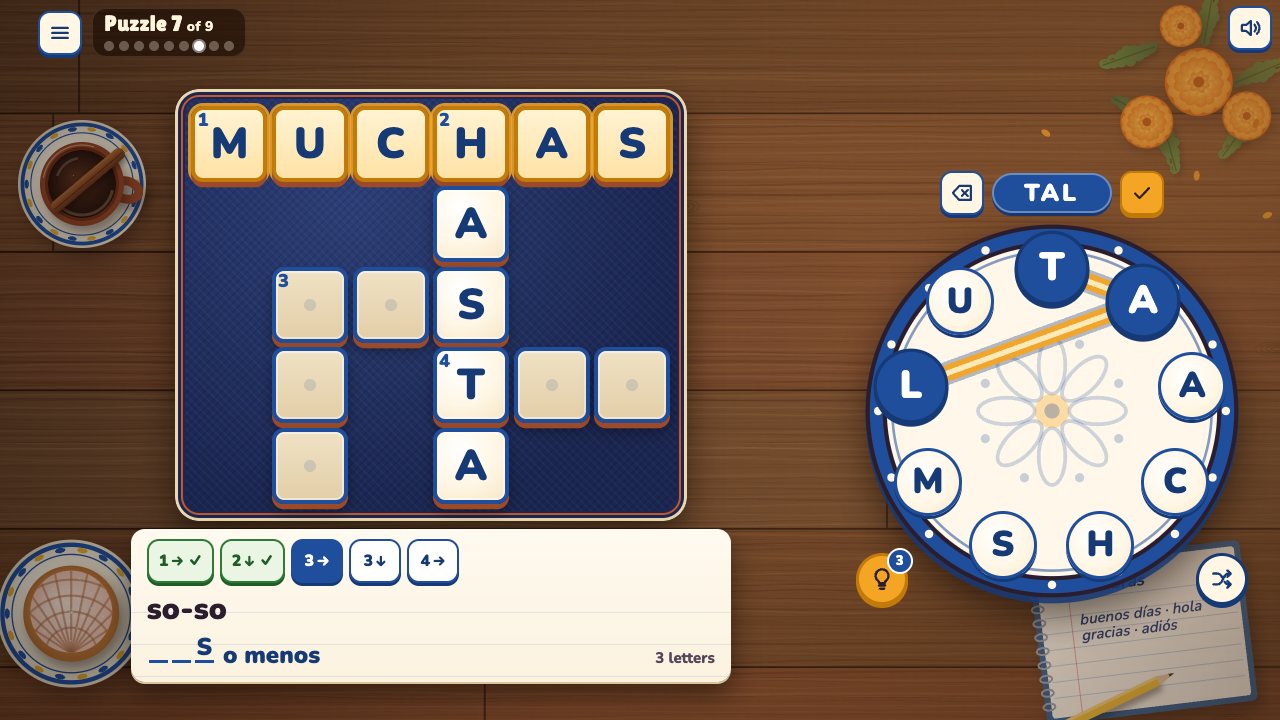
Palabras is a free word-wheel crossword in Spanish, set on a café table in Mexico City: you swipe across the letters on a wheel to spell each word, and every clue gives the word's meaning in English. Your goal is to fill all nine little crosswords of Unit 1 of the Understood In Spanish course and learn its 28 words: greetings, please and thank you, and how are you.
 Play Palabras
- Genre
- Word puzzle: a word-wheel crossword that teaches beginner Spanish, from Unit 1 of the Understood In Spanish course
- Players
- 1 player
- Length
- Most puzzles take about a minute, longer while the words are new to you. Unit 1 has nine, so a first run through takes roughly 10 to 15 minutes, and you can stop after any puzzle. There's no clock.
- Plays on
- Phones, tablets and computers, in a web browser, with no download. Swipe, tap, click or type, on upright or sideways screens; no gamepad.
- Progress
- Saved in this browser on this device: the sound setting, the puzzle you're on, the words you've found and the letters hints have shown in any puzzle you haven't finished, which puzzles you've finished with the fewest hints each took, and how many puzzles you've started and finished. A finished puzzle starts fresh when you play it again. A private window may not keep anything.
- Price
- Free. No download and no account.
- Version
- 1.0.1, updated October 12, 2026
How to play
- On the title screen, press Play. When you come back, Continue takes you to the puzzle you were on, and Puzzles lets you play any of the nine, in any order.
- Each puzzle is a small crossword of 3 to 5 Spanish words with a wheel of 7 to 9 letters, and every word in it can be spelled from those letters. Swipe from letter to letter and lift your finger to check the word. You can also tap or click the letters one at a time and press ✓, or type them.
- The clue card next to the grid shows one word at a time: its meaning in English (with a picture for a few words), how many letters it has, and the Spanish as empty boxes, inside its phrase when the word comes from one, such as buenos _ _ _ _ for good morning. The numbered chips on the card, like 1↓ and 3→, put another word on the card, and so does tapping that word's squares in the grid.
- You can spell any word of the puzzle at any time, not only the one on the card. A right word flies into the grid and the card moves on to the next open word. A wrong one shakes, a word you've already found pulses, and a Unit 1 word from another puzzle gets a note with its meaning, saying it isn't in this one.
- When you're stuck, the light bulb gives a hint: it shows the next hidden letter of the word on the card. You hold three, and a used one comes back after 30 seconds of play. The Shuffle button moves the letters to new places round the wheel. There's no clock and no score.
- Find every word to finish the puzzle. A short cheer in Spanish appears with a line saying how many hints it took, and after Puzzles 1, 3, 5 and 7 a grammar tip explains words you just played, shown in full (a long one scrolls inside its card). Next puzzle goes on, and the light on the café table moves from morning to night across the nine.
- Finish Puzzle 9 with all nine done to reach the end card: the 28 Spanish words of Unit 1, and your hint total, counting the fewest hints each puzzle took. Play Unit 1 again starts over from Puzzle 1.
Controls
Keyboard
| Control | What it does |
|---|---|
| Letter keys | Pick that letter on the wheel. Type it with or without its accent: o and ó both pick the O |
| ñ, or ; (semicolon) | Pick the Ñ; the semicolon is for keyboards without an ñ key |
| Enter | Check the word you've typed or clicked, or press the button that has focus (Play, Next puzzle and so on) |
| Backspace | Take back the last letter |
| Escape | Clear the word; with no word, open the pause menu. Escape again resumes |
| Space | Shuffle the letters, when no button has focus |
| ? or / | Use a hint |
| Tab, then Enter or Space | Move to any button and press it: the clue chips, Hint, Shuffle and the menus. On a letter of the wheel, Space picks that letter |
Mouse
| Control | What it does |
|---|---|
| Click a letter, then the next | Spell a word one letter at a time; click the last letter again to take it back |
| Click ✓ beside the word | Check the word you've clicked (the button on the word's other side takes back a letter) |
| Hold the button down and drag across the letters | Swipe a word; let go to check it |
| Click a chip or a word's squares | Put that word's clue on the card |
| Click the light bulb or Shuffle | Use a hint, or move the letters round the wheel |
| Click ≡ (top left) or the sound button (top right) | Open the pause menu (Resume, Start this puzzle again, Puzzles, Back to the title), or turn the sound on or off |
Touch (phones and tablets)
| Control | What it does |
|---|---|
| Swipe across the letters | Spell a word; lift your finger to check it. Slide back onto the letter before to take the last one off |
| Tap letters one at a time, then ✓ | Spell a word letter by letter; tap the last letter again to take it back |
| Tap a chip or a word's squares | Put that word's clue on the card; tap a square where two open words cross again for the other word |
| Tap the light bulb or Shuffle | Use a hint, or move the letters round the wheel |
| Tap ≡ or the sound button | Open the pause menu, or turn the sound on or off |
Tips
- When you can't recall a word, find the words that cross it first. Each one puts its shared letter into the other word's boxes on the card, and once every letter of a word is showing, from crossings and hints together, it fills itself in.
- To aim a hint, put the word you're stuck on on the card first, with its chip. Each hint shows that word's next hidden letter in terracotta red. A used hint comes back after 30 seconds of play, one at a time: the ring round the bulb fills as it does, and it waits while you're paused or between puzzles. Hints carry over from one puzzle to the next.
- The wheel's letters have no accents: you spell días with D, I, A, S, and the grid writes it with its accent. Watch the grid for the accents (días, adiós, perdón, cómo, más), because they're part of the spelling. The ñ in mañana is a letter of its own, with its own tile on the wheel.
- Most Unit 1 words come out of a phrase, so read the whole card: good afternoon with buenas _ _ _ _ _ _ is tardes, and the letter count beside it says 6 letters. If you spell a Unit 1 word that isn't in this puzzle, the note tells you what it means, which can point you to the one you need.
- Read the grammar tips, because they set up the puzzles after them. The tip after Puzzle 7 lists muy bien, bien, más o menos and mal, and muy, menos, mal and más are answers in Puzzles 8 and 9.
- Your progress saves as you play, in this browser. Back to the title in the pause menu keeps the words you've found and the letters hints have shown, and Continue picks up where you were. Start this puzzle again in the pause menu clears that puzzle, and a puzzle you've finished starts fresh when you play it again from Puzzles.
Screenshots


Recent updates
Version 1.0.1 · October 12, 2026
- The grammar tip after a puzzle now shows in full: no More button.
- Screen readers: the hint button is named ("Hint: show a letter") from the moment a puzzle appears.
Version 1.0.0 · October 12, 2026
The first release of Palabras, a word-wheel crossword that teaches your first Spanish.
- Nine puzzles from Unit 1 of the Understood In Spanish course: greetings, please and thank you, and how are you.
- Swipe the letters on the wheel to spell each word, or tap them one at a time, or type them.
- One clue at a time, on a big card: each word's meaning in English, with a picture for a few of them. Tap a chip or a word's squares to look at another clue.
- Hints show a letter when you're stuck (three in hand; a used one comes back after 30 seconds of play), and Shuffle mixes the wheel. There's no clock.
- A short grammar tip between some puzzles, about the words you just played.
- The puzzles are set on a café table in Mexico City, and the light follows the day from morning to night.
- No background music, just sound effects as you play, with birds by day and crickets at night. The sound button turns it all off.
- Works on phones and computers.
More games
-
 Cake Drop
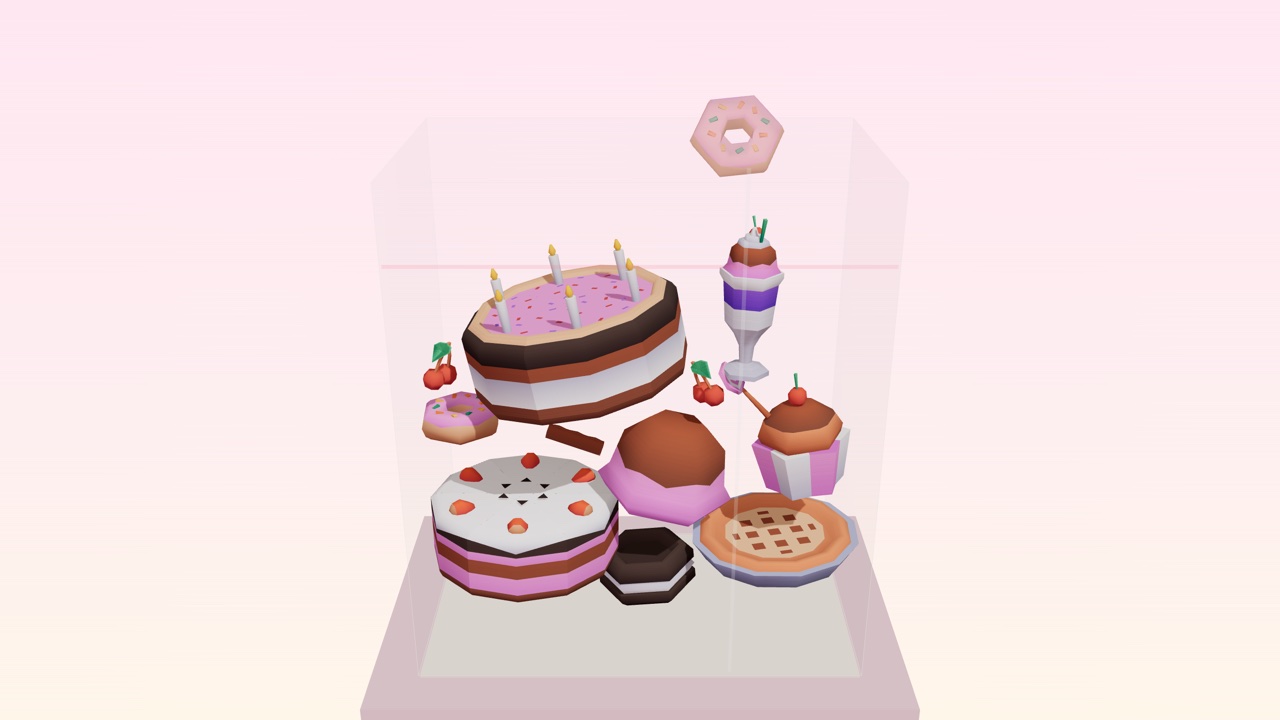
Drop desserts into a glass case. Two of a kind merge. Build the Master Pastry before it overflows.
How to play Cake Drop -
 Liner Notes
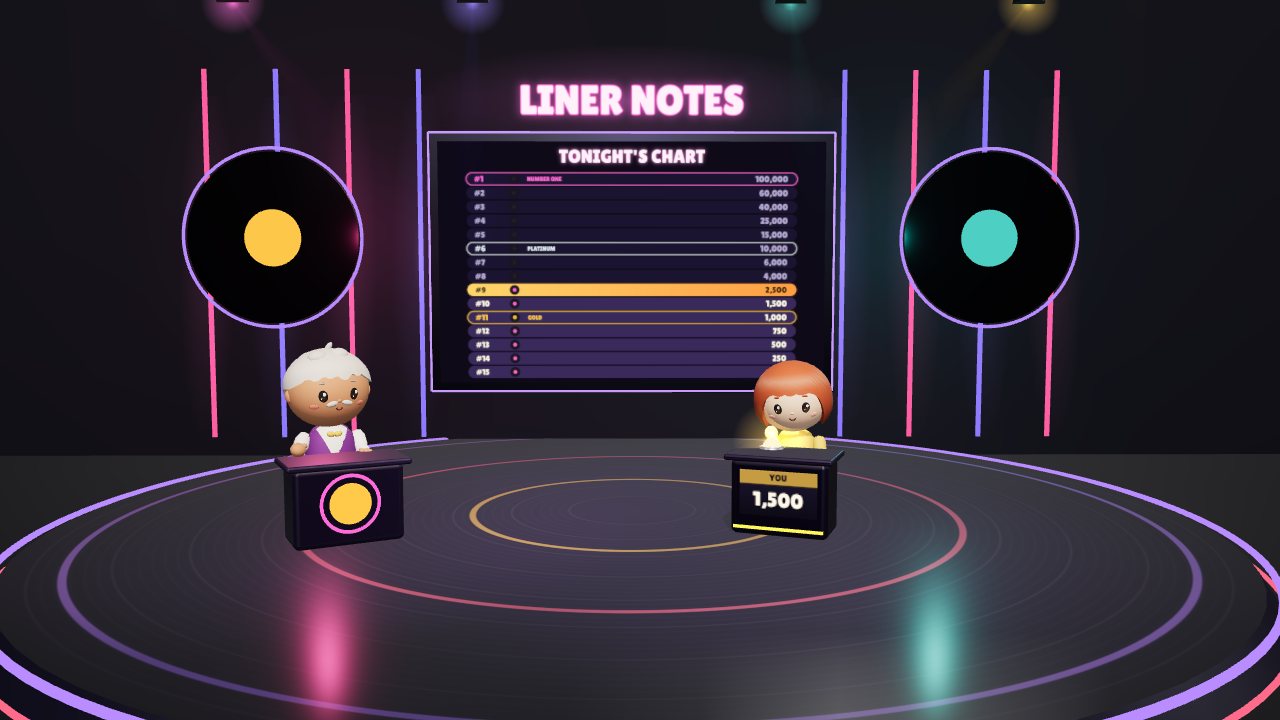
A music trivia show about the artists you pick: climb the chart from #15 to #1, one song at a time.
How to play Liner Notes -
 Larkspur Farm
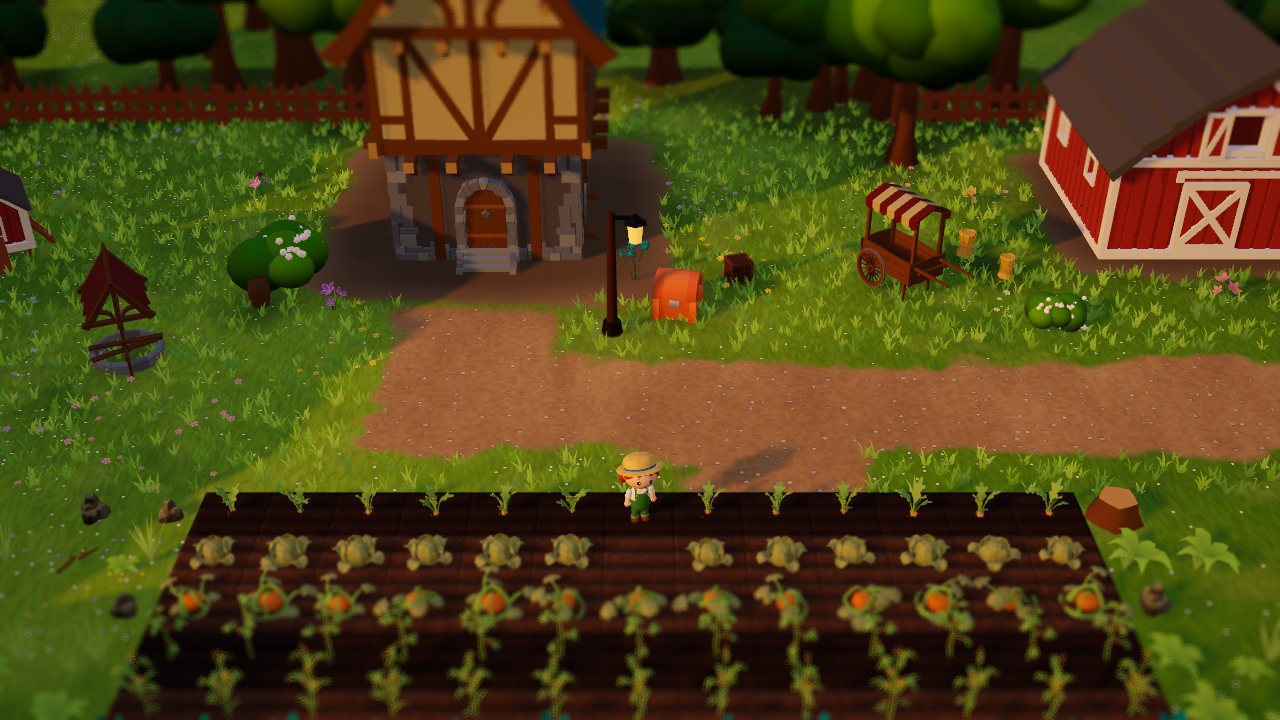
A cosy 3D farm. Grow crops, make friends and bring the village market back.
How to play Larkspur Farm