Game guide
How to play The Gilded Needle
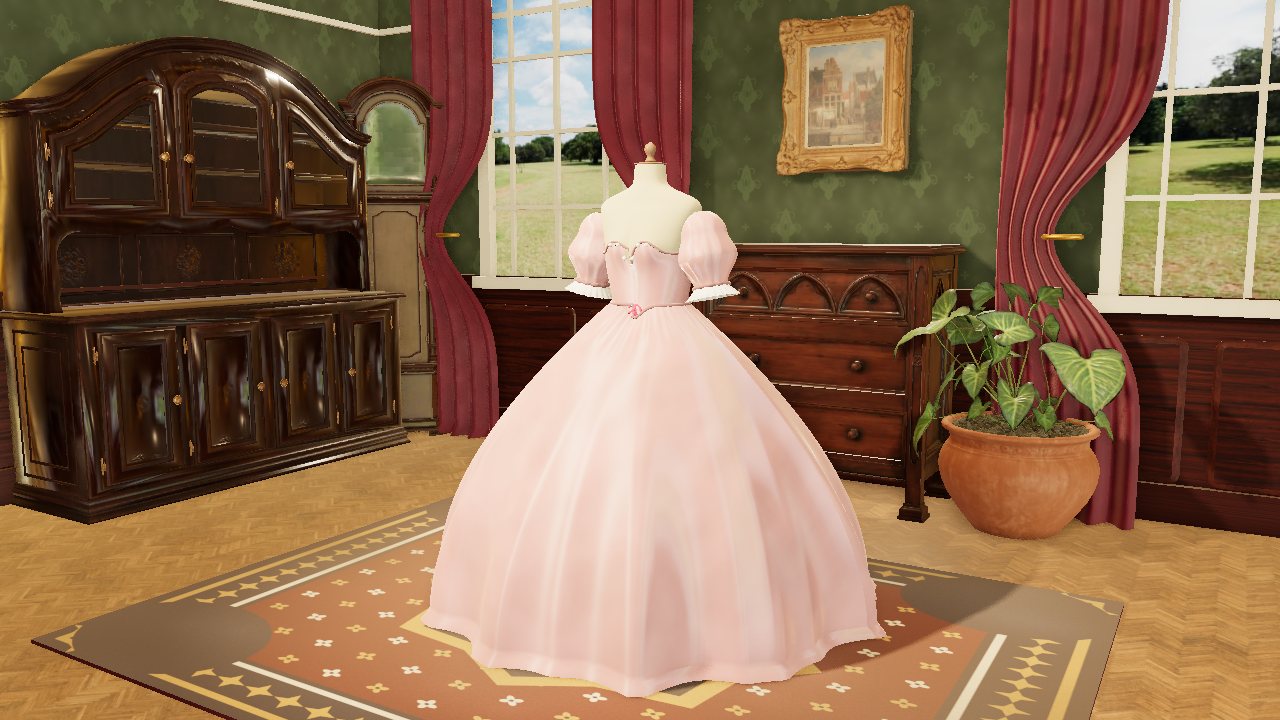
The Gilded Needle is a free 3D dressmaking game: you run a dressmaker's shop on Thimble Lane in Brightwater, a Victorian town by the sea, where you design, cut, sew and trim every gown yourself and, later, make jewellery at a jeweller's bench. Your goal is to give each customer exactly what she ordered, so The Brightwater Bugle praises her night out and the shop's reputation grows all the way to the Midsummer Ball.
 Play The Gilded Needle
- Genre
- Cosy dressmaking and shop management, in 3D
- Players
- One player
- Length
- A commission takes roughly 5 to 10 minutes, from the bell to the Bugle. The story is 18 commissions for ten customers (12 gowns and 6 pieces of jewellery), a few hours in all, and ends at the Midsummer Ball; the studio stays open after the last one.
- Plays on
- Phones, tablets and computers, in a web browser with WebGL. Mouse, keyboard or touch, upright or sideways on a phone; no gamepad.
- Progress
- Saved automatically in this browser, on this device, after every step, so you can close the page and carry on later, even halfway through a gown (a piece being polished starts its polish again). Start over on the start screen clears it, and a private window may not keep it.
- Price
- Free. No download and no account.
- Version
- 1.3.1, updated October 10, 2026
- Feedback
- Comments on itch.io
How to play
- Press Open the shop on the start screen, then Serve when the bell rings: your first customer is Juniper Hale, the harbour baker, who needs something cosy for the Harvest Fair. Her order says what she'll pay, the scores the gown must reach, the quality she expects and the most she'll spend on fabric and trims.
- In the sketchbook, choose a cut, a fabric and a colour for the bodice, the sleeves and the skirt. The gown on the dress form changes as you choose, and How it reads shows its five scores (Elegant, Daring, Cozy, Whimsical and Practical) against the marks she asked for.
- At the cutting table, press each pattern piece's name to lay it on the fabric, or press Auto-pack to lay them all, then move or turn pieces and press Cut once none overlap. A gown in more than one fabric comes to the table once for each fabric and colour.
- At the sewing machine, hold the pedal (Hold to sew, or Space) and steer so the needle follows the chalk line; the ring under the needle turns green when you're on it. A gown has four to six seams, and nothing is timed: the cloth only moves while you hold the pedal.
- Pick a trim (a brass button, a satin bow, a silk daisy or a pearl to begin with) and click or tap the gown where it should be sewn, up to 24 trims. Tap a trim on the gown to pick it up and move it, or Remove it.
- At the fitting she tries the gown on and each line of her order is checked; press Send her off, or Alter it if she isn't happy. She wears it to her event, and the next morning The Brightwater Bugle prints the verdict, your fee and the change in the shop's reputation.
- From the sixth commission, some customers want jewellery to wear with their own gowns. At the jeweller's bench you design a pendant, a pair of earrings, a brooch or a hair comb, then saw its outline, set the stones and polish it.
Controls
Keyboard
| Control | What it does |
|---|---|
| Tab, then Enter or Space | Press any button: every screen can be played by keyboard alone |
| Arrow keys (cutting table) | Move the chosen pattern piece 1 cm, or 10 cm with Shift held |
| R or Shift+R (cutting table) | Turn the chosen piece 15 degrees one way or the other |
| Delete or Backspace (cutting table) | Take the chosen piece off the fabric |
| Hold Space (sewing machine) | Press the pedal: the machine sews while you hold it |
| Left and right arrows (sewing machine) | Steer the fabric under the needle |
| Neckline, Bodice, Waist, Skirt or Hem, then the arrow keys (trimmings) | Aim the gold ring at that part of the gown and nudge it, then press the Sew the pearl here button (it names the trim you picked) |
| Arrow keys, + and −, 0 (a gown on show) | Turn it and look up and down, zoom in and out, show all of it again |
| Hold Space, left and right arrows (the bench's saw) | Saw along the ink line, and turn the work |
| Space, then the arrow keys and Space (setting a stone) | Put the stone in its collet, choose a claw (up is north), push it over |
| Left and right arrows in turn (polishing) | Rub the piece row by row; holding Space is Hold to rub, which counts as assisted |
| M | Sound on or off |
Mouse
| Control | What it does |
|---|---|
| Click | Press buttons and choose cuts, fabrics, colours and trims |
| Click a pattern piece's name, then drag the piece | Lay it on the fabric, then move it there; the Turn buttons turn it |
| Hold down the pedal (Hold to sew) | Run the machine; steer with ◀ ▶ or by dragging the fabric left and right |
| Click the gown (trimmings) | Sew the chosen trim there; click a trim on the gown to pick it up and move or remove it |
| Drag the gown, scroll wheel | Turn it and look up and down; zoom in and out |
| Hold the button down over the work (the bench's saw) | Saw; move the mouse left or right to turn the work |
| Click a collet, then a claw (setting) | Drop the stone in, then push that claw over |
| Drag across the piece (polishing) | Rub it until it gleams |
Touch (phones and tablets)
| Control | What it does |
|---|---|
| Tap | Press buttons and choose cuts, fabrics, colours and trims |
| Tap a pattern piece's name, then drag the piece | Lay it on the fabric, then move it with your finger |
| Hold the pedal (Hold to sew) | Run the machine; steer with ◀ ▶ or drag the fabric sideways |
| Tap the gown (trimmings) | Sew the chosen trim there; tap a trim on the gown to pick it up |
| Drag, pinch | Turn the gown and look up and down; zoom in and out |
| The four-corner button beside the panel (small screens) | Look closer: fold the panel away and bring up the zoom and turn buttons |
| Hold the Hold to saw button; drag across the work | Saw; turn the work |
| Tap a collet, then a claw | Drop the stone in, then push that claw over |
| Drag across the piece | Polish it |
Tips
- The skirt is by far the largest part of a gown, so its fabric moves the five scores, and the cost, the most. Each cut adds a little character of its own, and trims add 20 at most to any one score.
- Quality is about two-thirds your sewing and one-third how the pieces sit on the grain at the cutting table. Beat the scores she asks for by 15 on average and her quality by 20 for Dazzling (30% more than her fee and +4 reputation); miss any line of her order and she pays a quarter, and the shop loses 2 reputation.
- Sewing assist starts off, and sewing by hand earns up to 15% more coins on top of her fee, shared out by the seams you sew yourself. Switch assist on at the start screen or the machine whenever you like: it never closes off a customer, grade or ending, and it follows the line a little behind, so it sews neatest on Slow.
- Reputation opens new fabrics, cuts and trims at 5, 10 and 15, and some customers wait for it: Dot's regatta needs 10, Juniper's wedding 20 and Dr Okafor's Midsummer Ball 30. To close a gap, furnish the shop (from a plant in a terracotta pot, 30 coins for +1, to a crystal chandelier, 220 coins for +5) or sell a gown from the studio at quality 60 or more.
- At the jeweller's bench, workmanship is 40% sawing, 40% setting and 20% polish. Push each stone's claws in opposite pairs (north then south, east then west) so it sits level; a piece bought ready-made from the jeweller on Quay Street costs you extra out of your fee and can never be Dazzling.
- A rival's secret note always offers more coins than the honest job, but meeting its goal costs the shop 3 reputation and the customer's friendship, and the Bugle reports what went wrong. You can take a note and not follow it: the gown is then judged as usual.
Screenshots


Recent updates
Version 1.3.1 · October 10, 2026
- Screen readers and voice control: the "See it" link on the card for our studio's apps now says what it shows (it was read as just the app's website, so saying "See it" didn't work).
Version 1.3.0 · October 8, 2026
The autumn collection. Six new fabrics in harvest colours have come in on Thimble Lane, and two new pieces to furnish the shop.
- Corduroy in rust, mustard or chestnut: soft ribs of pile, cozy and practical. On the shelves from the start.
- Houndstooth wool in russet, bracken or damson: the smart broken check, practical with a touch of elegance. From the start.
- Oak-leaf chintz in russet, sage or dusk: fallen oak leaves and acorns, cozy and a little whimsical. From the start.
- Pheasant-feather silk in copper, woodland or midnight: tail feathers in copper and gold, rather daring. Arrives when the shop has 5 reputation.
- Shot silk taffeta in pumpkin, amber or damson: woven in two colours, so it changes colour as she turns. Elegant and daring. Arrives at 5 reputation.
- Moiré silk in mulberry, bronze or claret: watered silk, with a ripple like wood grain that moves in the candlelight. Very elegant. Arrives at 10 reputation.
- Furnish the shop: pumpkins and gourds from the Harvest Fair (35 coins, +1 reputation), under the window, and a garland of oak leaves and berries (65 coins, +2) along the chest of drawers.
- The Bugle's Around town has noticed the autumn bolts.
- Stitches now show in pale thread on any dark cloth.
- In Chrome (on a Chromebook, for example): after you click a button at the cutting table, the sewing machine or the jeweller's bench (a speed, Turn, Sewing assist), the keyboard goes straight back to your work. Space runs the machine or the saw again, and the arrow keys and R move the pattern pieces, instead of pressing the button you last clicked. A button you reach with the Tab key still takes Space, as before.
More games
-
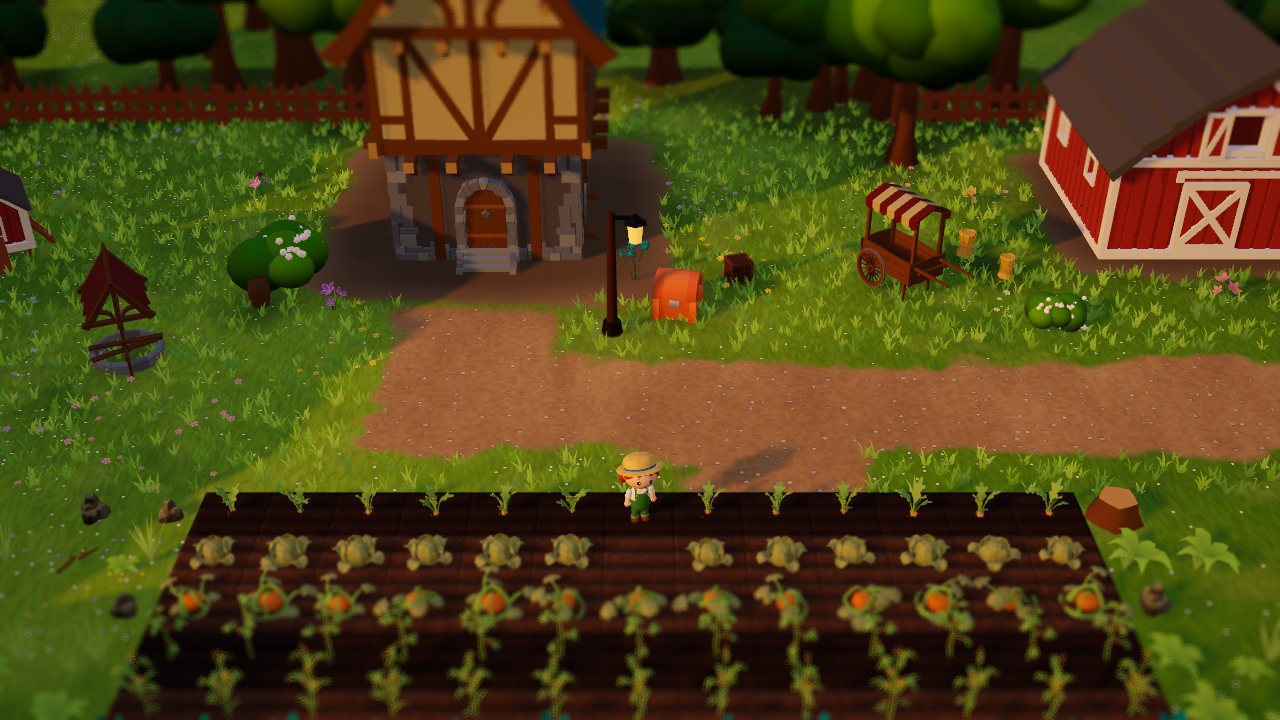 Larkspur Farm
A cosy 3D farm. Grow crops, make friends and bring the village market back.
How to play Larkspur Farm -
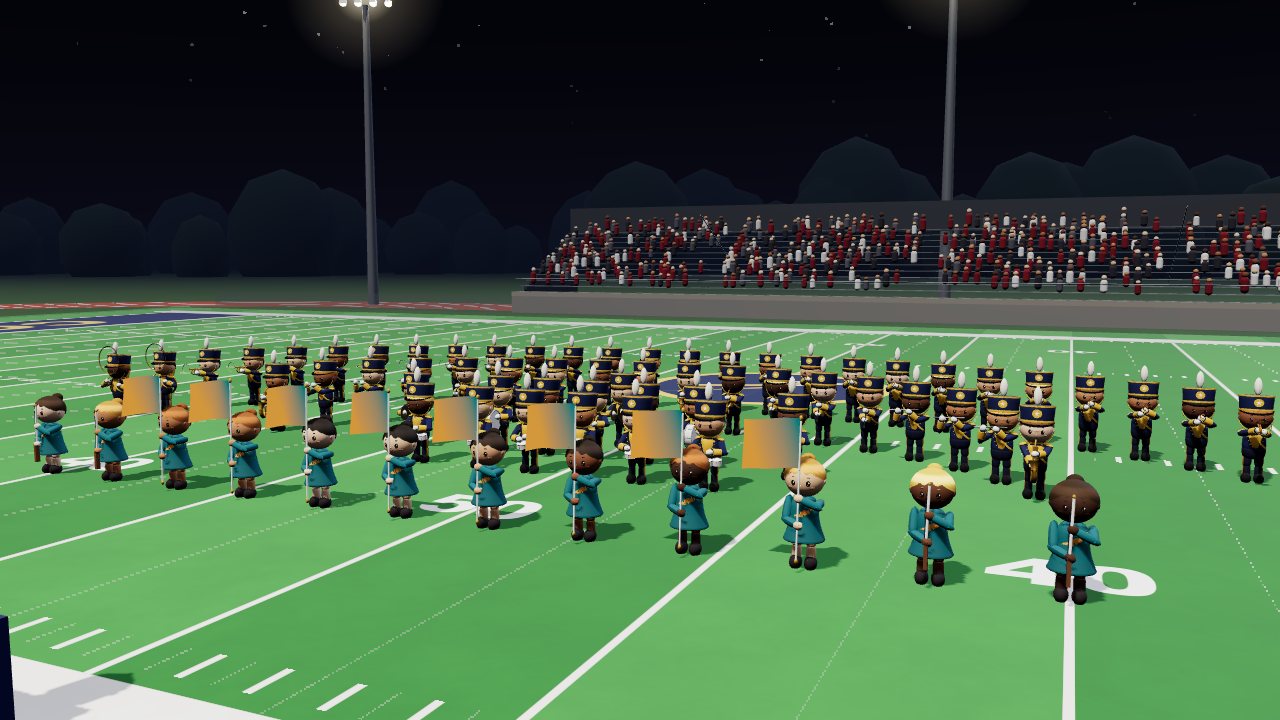 Hit Your Dot
One marching band season: band camp, Friday nights, contests. March your drill and hit your dot.
How to play Hit Your Dot -
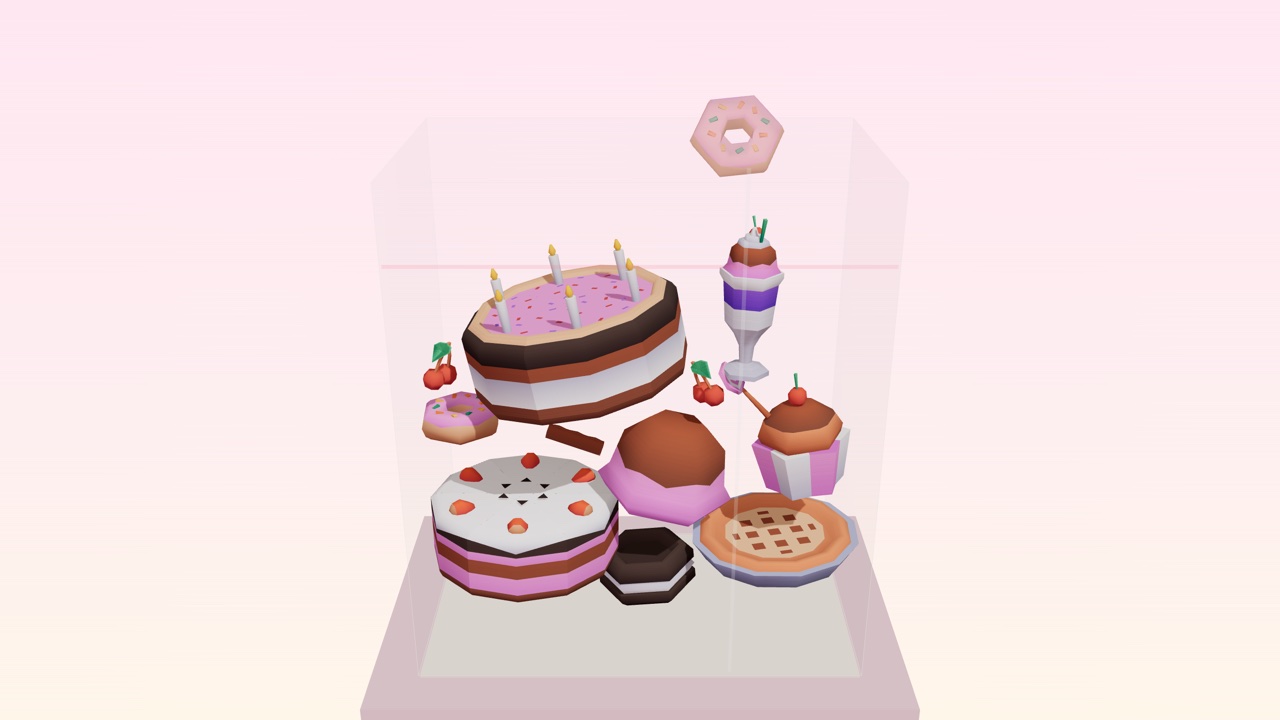 Cake Drop
Drop desserts into a glass case. Two of a kind merge. Build the Master Pastry before it overflows.
How to play Cake Drop