Game guide
How to play Drift Kart
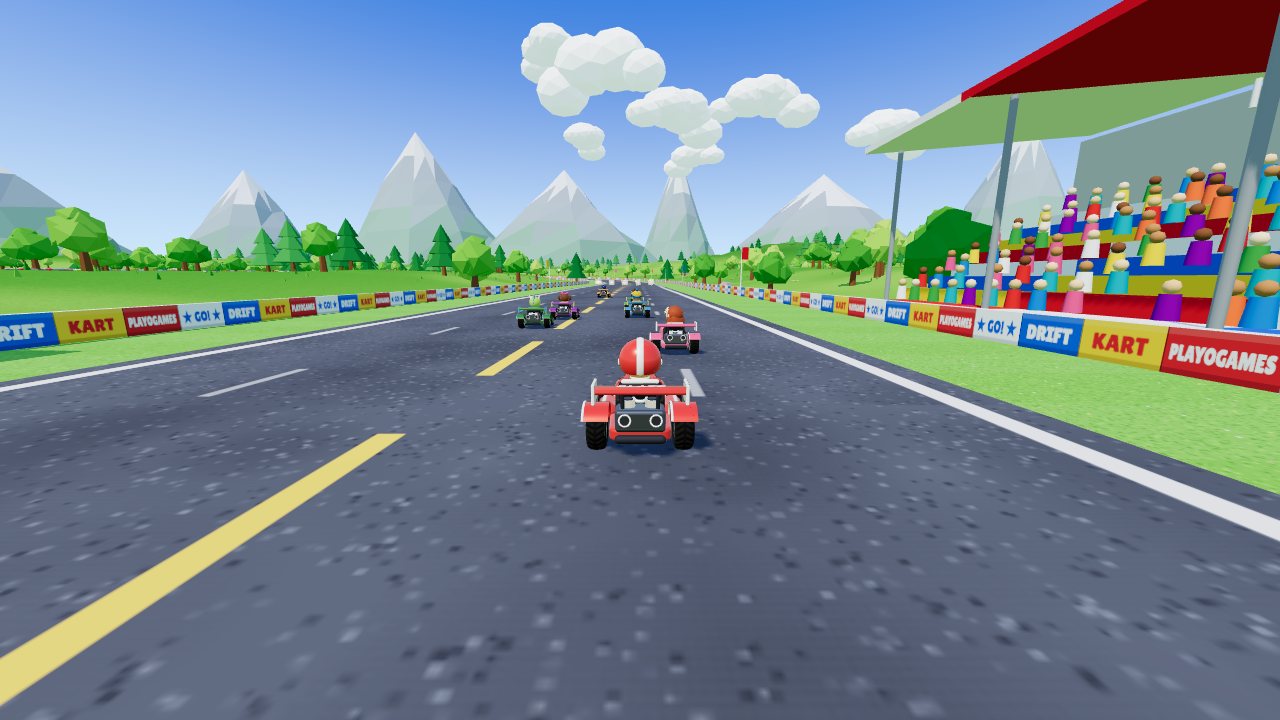
Drift Kart is a free 3D kart racer that runs in your browser on a phone, tablet or computer: you pick one of eight racers and take on seven computer drivers on Palm Cove Circuit, Frostbite Pass and Sunset Canyon. Your goal is to cross the line first, using drifts, mini-turbos and items, and to win the gold cup in a three-race Grand Prix.
 Play Drift Kart
- Genre
- Racing: a 3D arcade kart racer with drifting and items
- Players
- 1 player, against seven computer drivers
- Length
- A lap takes about 45 seconds to a minute, so a 3-lap race lasts about three minutes and a 5-lap race about five. A Grand Prix of three 3-lap races takes about ten minutes, award ceremony included.
- Plays on
- Phones, tablets and computers, in a web browser with WebGL, with no download. Keyboard, gamepad or touch to drive; the mouse works the menus.
- Progress
- Saved in this browser on this device: your racer and race settings, each racer's custom look, the sound setting and your best Grand Prix cup in each class, shown next to CLASS. There is no account, and clearing the browser's site data resets it.
- Price
- Free. No download and no account.
- Version
- 1.0.5, updated October 10, 2026
- Feedback
- Comments on itch.io
How to play
- On the title screen, press Enter, click or tap to open CHOOSE YOUR RACER.
- Pick one of the eight racers: their bars show speed, acceleration, handling and weight, and a heavier kart pushes a lighter one aside when you bump. CUSTOMIZE changes that racer's suit, hat, kart, wheels and paint; a different kart (CLASSIC, SPEEDSTER or BUGGY) or set of wheels (STANDARD, SLICKS or CHUNKY) trades stat bars, so a gain in one stat costs a bar in another.
- Set CLASS, LAPS and TRACK, then press the orange RACE button. CLASS (50cc, 100cc or 150cc) sets how fast and skilled the seven computer drivers are, LAPS (1, 3 or 5) applies to every race, and TRACK is a GRAND PRIX of all three tracks or a single race on one of them.
- The track's name shows (Enter, a click or a tap skips it), then the countdown runs 3, 2, 1, GO. You start fifth or sixth of the eight karts, and on a touch screen your kart accelerates by itself from GO.
- Keep to the road: off it, your top speed drops by more than half. Drive through the rows of item boxes for a random item, and use it once the picture in the slot at the top of the screen stops spinning.
- For corners, hold the drift key (or the DRIFT button) as you steer: the kart hops and lands sliding, and sparks build at its back wheels. Let go once they turn blue, orange or purple for a mini-turbo; on a computer the label under the speedometer reads MINI, SUPER, then ULTRA.
- When you cross the line after the last lap, the results show every racer's place, time and best lap. In a Grand Prix each race scores points, from 15 for first down to 1 for eighth, and after the third race the AWARD CEREMONY shows the final order and gives a gold, silver or bronze cup to the top three.
Controls
Keyboard
| Control | What it does |
|---|---|
| ↑ or W | Accelerate |
| ↓ or S | Brake; keep holding when stopped to reverse |
| ← → or A D | Steer |
| Space or Right Shift | Hold to hop and drift; let go for the mini-turbo |
| E, X or Left Shift | Use your item |
| C | Look back (hold it as you use a Bouncer or Seeker to fire it backwards) |
| Esc or P | Pause and resume (Esc also goes back in the menus) |
| M | Sound on or off |
| Arrow keys and Enter | Move around the menus and choose; ← → change a setting |
| Enter or Space | Skip the track intro and the award ceremony |
Mouse
| Control | What it does |
|---|---|
| Click | Start from the title screen, pick a racer and press buttons |
| ◀ or ▶ beside a setting | Change CLASS, LAPS, TRACK and the CUSTOMIZE options |
| Double-click a racer | Start the race straight away with the current settings |
| Click during the track intro or the award ceremony | Skip it |
| Pause button (top right, in a race) | Pause |
| Sound button (speaker, top right) | Sound on or off |
| Driving | Use the keyboard or a gamepad: the mouse is for the menus |
Touch (phones and tablets)
| Control | What it does |
|---|---|
| Tap | Start, choose in the menus, and skip the track intro or the award ceremony |
| Drag on the left side of the screen | Steer: the further your thumb moves from where it landed, the harder you turn. Your kart accelerates by itself |
| Hold DRIFT (bottom right) | Hop and drift as you steer; let go for the mini-turbo |
| Tap ITEM (above DRIFT) | Use your item |
| Hold BRAKE (left of DRIFT) | Slow down; keep holding when stopped to reverse |
| Pause button (top right) | Pause |
| Sound button (speaker, top right) | Sound on or off |
Gamepad
| Control | What it does |
|---|---|
| Left stick or D-pad | Steer, and move around the menus |
| A or RT | Accelerate (A also chooses in the menus) |
| B or LT | Brake and reverse (B also goes back in the menus) |
| RB or X | Hold to hop and drift; let go for the mini-turbo |
| LB or Y | Use your item |
| Press either stick in | Look back |
| Start | Pause, or start from the title screen |
Tips
- On a keyboard or gamepad, press the gas just after the 1 appears in the countdown and hold it for the strongest start boost. If the speedometer dial turns red you pressed too early, and holding on into GO can stall the engine.
- On a wide bend, start the drift, then let go of the steering and keep holding drift: the slide follows the bend on its own. Steer into the turn to tighten it or the other way to widen it, and brake before a hairpin, because a slower drift turns tighter.
- Purple sparks give the strongest mini-turbo, and letting go before any sparks appear gives none. Steering into the drift charges it faster, the charge stops building off the road or in the air, and a hard knock against a wall ends the drift with no boost.
- Boost pads give a one-second burst of speed, and every track has two jump ramps. Press the drift key while you're in the air off a ramp for a trick, and you get a short boost when you land.
- Use your item before the next row of item boxes: a box you drive through while still holding an item gives you nothing. Items depend on your place: the leader mostly gets Bananas and Bouncers, while near the back you get far more Triple Turbos, Stars and Zaps.
- Hold C (or press a stick in on a gamepad) as you use a Bouncer or Seeker to fire it backwards at the racer behind you. Fired forwards, a Seeker homes in on the racer one place ahead of you.
Screenshots


Recent updates
Version 1.0.5 · October 10, 2026
- Screen readers and voice control: the "See it" link on the card for our studio's apps now says what it shows (it was read as just the app's website, so saying "See it" didn't work).
Version 1.0.4 · October 4, 2026
- The store links on the "An app from our studio" card now carry the App Store's full campaign label, so we can see which game an install came from. Nothing changes on screen.
More games
-
 Dogfight
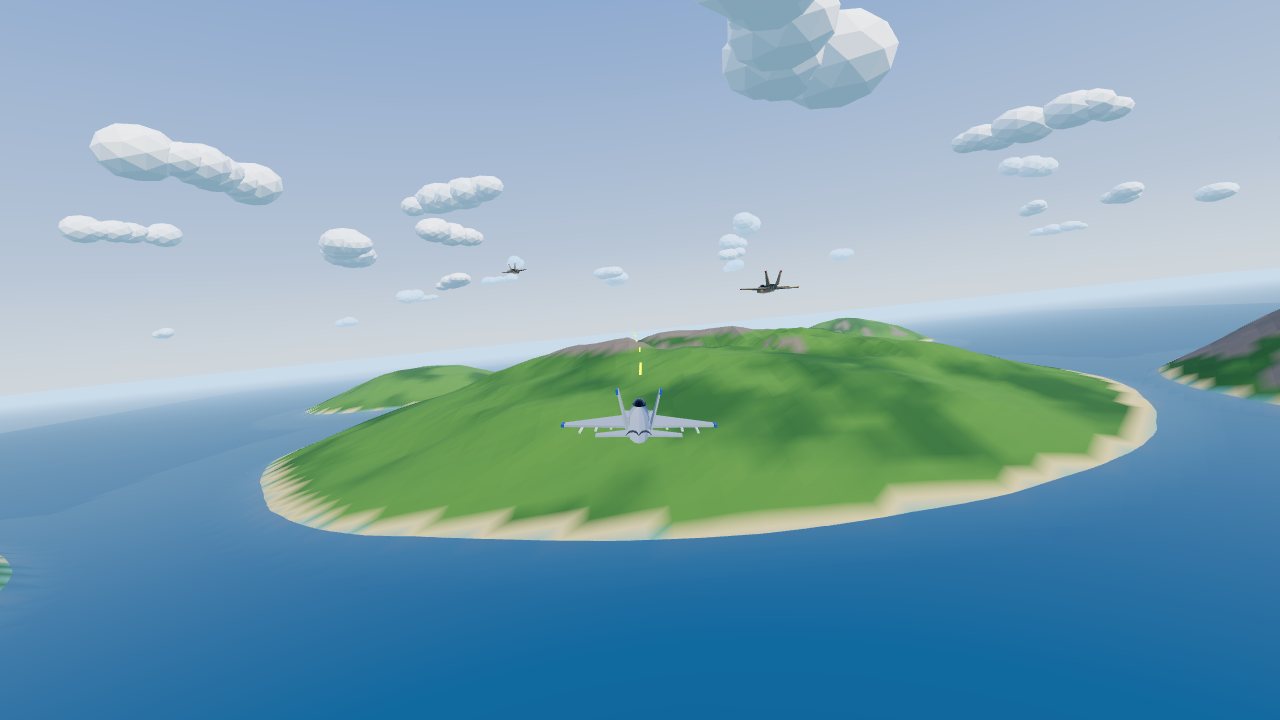
Jet combat over the islands. Lock on, dodge missiles, survive the waves.
How to play Dogfight -
 Cake Drop
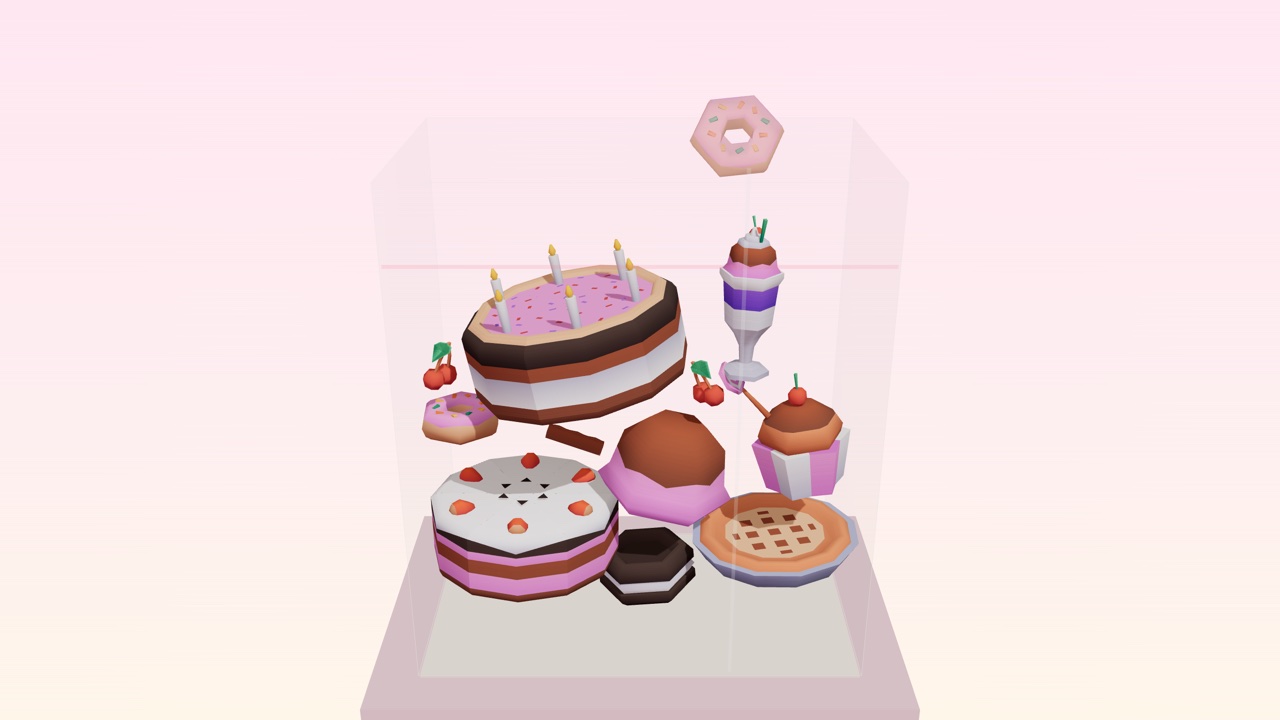
Drop desserts into a glass case. Two of a kind merge. Build the Master Pastry before it overflows.
How to play Cake Drop -
 Hit Your Dot
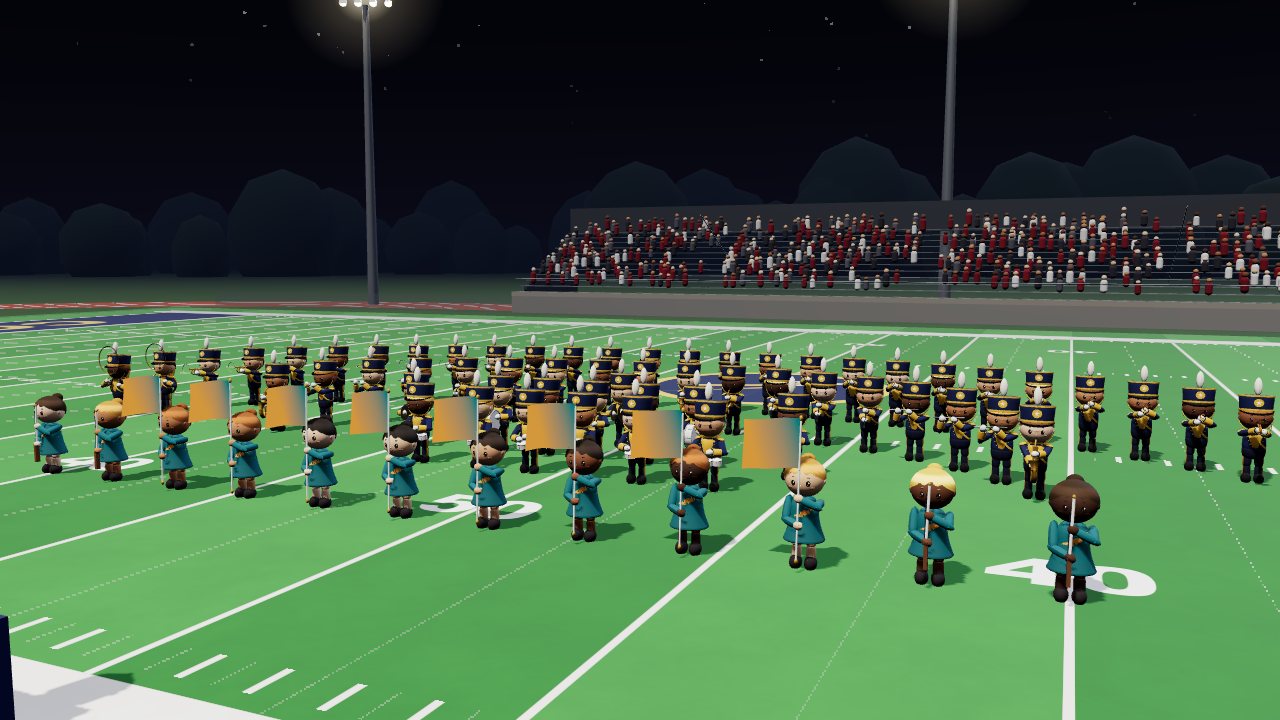
One marching band season: band camp, Friday nights, contests. March your drill and hit your dot.
How to play Hit Your Dot