Game guide
How to play Dogfight
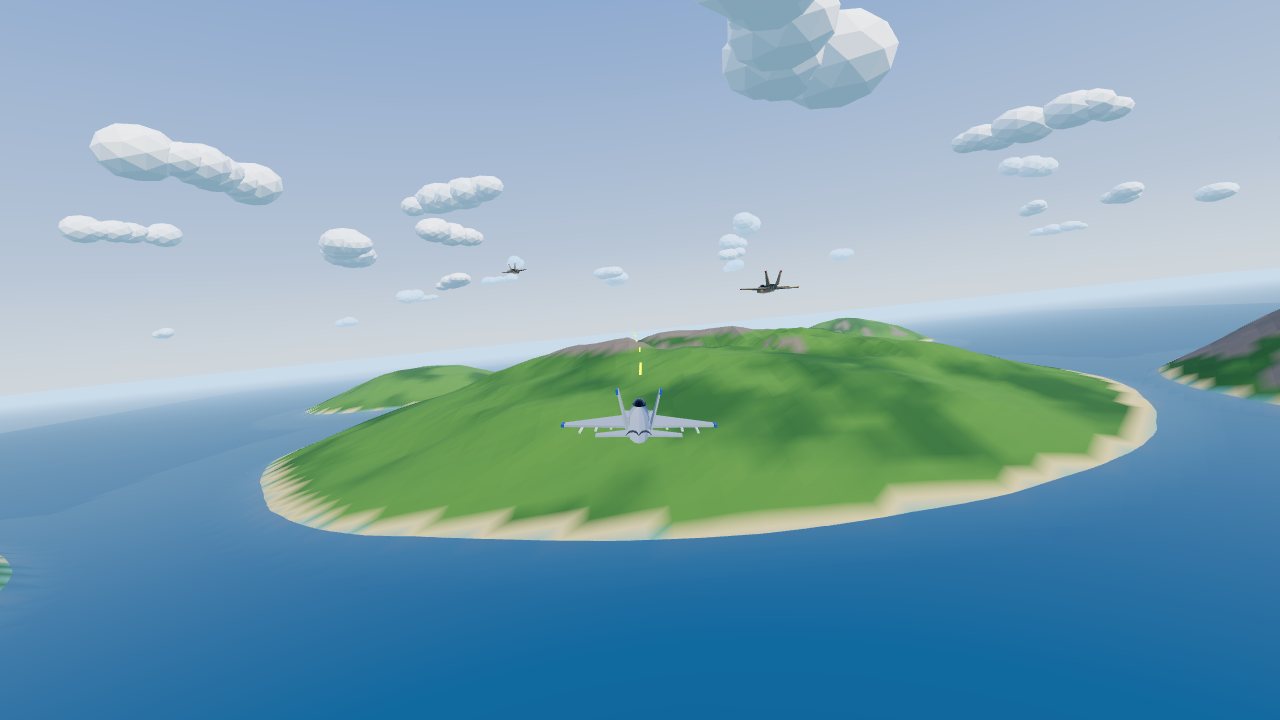
Dogfight is a free 3D jet combat game for computers, phones and tablets: you fly a fighter over a chain of islands with guns, lock-on missiles and flares. Your goal is to shoot down every enemy fighter in each wave and get as far as you can before you are shot down, beating your best wave and most kills.
 Play Dogfight
- Genre
- 3D jet combat with arcade flying
- Players
- 1, against computer-flown enemy fighters
- Length
- A sortie lasts until you are shot down or hit the ground or the sea. There is no last wave, so it runs as long as you survive; the results screen shows your time flown.
- Plays on
- Computers with a keyboard or a gamepad, and phones and tablets with touch controls, in an up-to-date browser with WebGL. Phones work upright or sideways. There is no mouse steering: the mouse is for the menus.
- Progress
- Your best wave, most kills and settings (sound, Invert pitch, Cockpit view) are saved in this browser on this device. A sortie itself isn't saved: each one starts at wave 1.
- Price
- Free. No download and no account.
- Version
- 1.1.1, updated October 10, 2026
- Feedback
- Comments on itch.io
How to play
- On the start screen, turn on Invert pitch if you push forward to climb, or Cockpit view to fly from the canopy, then press Take off. Your best wave and most kills are shown under the button.
- You come in over the sea with wave 1, two enemy fighters, about 4 km ahead. To turn, roll towards the turn and pull back: ↓ on a keyboard, or drag down on the left side of a phone screen.
- Green boxes mark enemies on screen, red arrows at the edge point to the ones off screen, and the radar in the top left shows them all as red dots. The enemy you're aiming at gets an amber box with its distance.
- You start on guns: hold fire (Space, or FIRE on a phone) and put the reticle on the small white lead circle in front of the target. Get within about 1 km: an undamaged fighter takes 15 hits.
- Switch to missiles (Q or E, or tap the weapon button) and keep an enemy within 2.2 km inside the dashed circle: after about a second the ring turns solid red and the HUD says LOCKED · FIRE. Fire then, or hold fire through the lock; one missile hit is a kill.
- From wave 2 the enemies fire missiles too. The warning tells you where a missile is on the clock round your jet and how far away it is; when it turns solid red and says FLARES NOW, drop flares (Z, or FLARES on a phone).
- Shoot down the whole wave and the next one arrives 5 seconds later with one more fighter (up to six), and your missiles, flares and some ARMOR are restored. The sortie ends when your ARMOR runs out or you hit the ground or the sea; the results show your wave, kills, hit rate and time flown.
Controls
Keyboard
| Control | What it does |
|---|---|
| ← → | Roll left or right |
| ↓ | Pull up to climb (with Invert pitch on, ↑ climbs) |
| ↑ | Push down to dive |
| A D | Rudder: nudge the nose left or right |
| W S | Throttle up or down (it stays where you set it) |
| Shift (hold) | Afterburner |
| X (hold) | Airbrake |
| Space | Fire: hold for the guns; with missiles, it launches once locked |
| Q or E | Switch between guns and missiles |
| 1 / 2 | Pick guns / pick missiles |
| Z | Drop a salvo of flares and chaff |
| C | Chase view or cockpit view |
| P or Esc | Pause or resume |
| M | Sound on or off |
| H | Hide or show the key list |
Gamepad
| Control | What it does |
|---|---|
| Left stick | Fly: pull back to climb, push to dive, left or right to roll |
| Right stick (left or right) | Rudder |
| RT | More throttle; all the way in for the afterburner |
| LT (hold) | Slow: hold a slow speed that can't stall you |
| A (bottom button) or RB | Fire |
| B (right button) or LB | Switch between guns and missiles |
| X (left button) | Drop a salvo of flares and chaff |
| Y (top button) | Chase view or cockpit view |
| Start | Pause or resume |
| Menus | Press Take off and the menu buttons with the mouse, keyboard or touch |
Touch (phones and tablets)
| Control | What it does |
|---|---|
| Drag on the left side | Fly: drag down to climb, up to dive, sideways to roll (the stick appears where your thumb lands) |
| FIRE (hold) | Fire the selected weapon |
| Weapon button | Tap to switch between GUN and MSL (it shows how many missiles are left) |
| FLARES | Drop a salvo of flares and chaff (the number is how many are left) |
| BOOST (hold) | Afterburner at full throttle |
| SLOW (hold) | Hold a slow speed that can't stall you |
| Neither held | The throttle stays at cruise |
| Pause button (top right) | Pause |
| Speaker button (top right) | Sound on or off |
Tips
- Wait for FLARES NOW: dropped in the missile's last 3 seconds, a salvo pulls it off you about 9 times in 10. Dropped 4 seconds or more early, the flares burn out before it arrives and it usually finds you again; in its last half second, it's too late.
- A missile that takes your flares goes quiet at once. If the warning and its tone keep going, that one didn't take them: drop another salvo (you can drop one every half second), because each salvo works on every missile still coming at you.
- No flares left? The warning says BREAK TURN instead. Wait until the missile is 0.5 to 0.9 km out, then roll and pull hard across its path with the afterburner on: break earlier and it follows you round, later and it hits.
- Wave 1 pilots carry no missiles, so it's the place to learn the guns. From wave 2 every enemy has missiles (three each from wave 5), and it needs its nose on you for about a second to lock, so don't stay in front of one.
- Slow down to turn harder. The jet turns fastest at about 400 km/h and makes a much wider circle at cruise (about 730 km/h), so use the airbrake (X) or SLOW going into a turn; the airbrake stops slowing you at about 400 km/h, so it can't stall you.
- Every kill earns a missile back, and an enemy that flies into the ground counts as yours. Take the gold supply ring even with missiles left: it also fills your flares and gives back a quarter of your ARMOR bar, and a new one appears within about 3 seconds whenever you run out of missiles.
Screenshots


Recent updates
Version 1.1.1 · October 10, 2026
- Screen readers and voice control: the "See it" link on the card for our studio's apps now says what it shows (it was read as just the app's website, so saying "See it" didn't work).
Version 1.1.0 · October 6, 2026
Flares and chaff: a new way to get out of the way of the missiles fired at you.
- One button drops a salvo of flares and chaff: Z on a keyboard, the new FLARES button on a phone (by the weapon button), X on a gamepad. Bright flares fall away from your jet and a cloud of chaff glitters behind you.
- Timing is everything. Drop them in the missile's last 2 or 3 seconds and it goes for the flares about 9 times in 10, bursting on them instead of you. Drop them too early and the flares burn out before it gets there, and it finds you again. A break turn still works too, on its own or after the flares.
- You carry 8 salvos. A cleared wave and a gold supply ring fill them up again. The count is on the right of the screen and on the FLARES button.
- A clearer missile warning: it says where the missile is coming from on the clock round your jet ("MISSILE 6 O'CLOCK · 2.1 km"), a red marker points its way, and the warning tone speeds up as it closes. In its last seconds the warning turns solid red, says FLARES NOW, and the tone changes to a steady warble. A missile that takes your flares goes quiet at once.
- Screen readers hear where a missile is coming from, when it's close, each salvo with how many are left, and whether the missile was decoyed.
More games
-
 Drift Kart
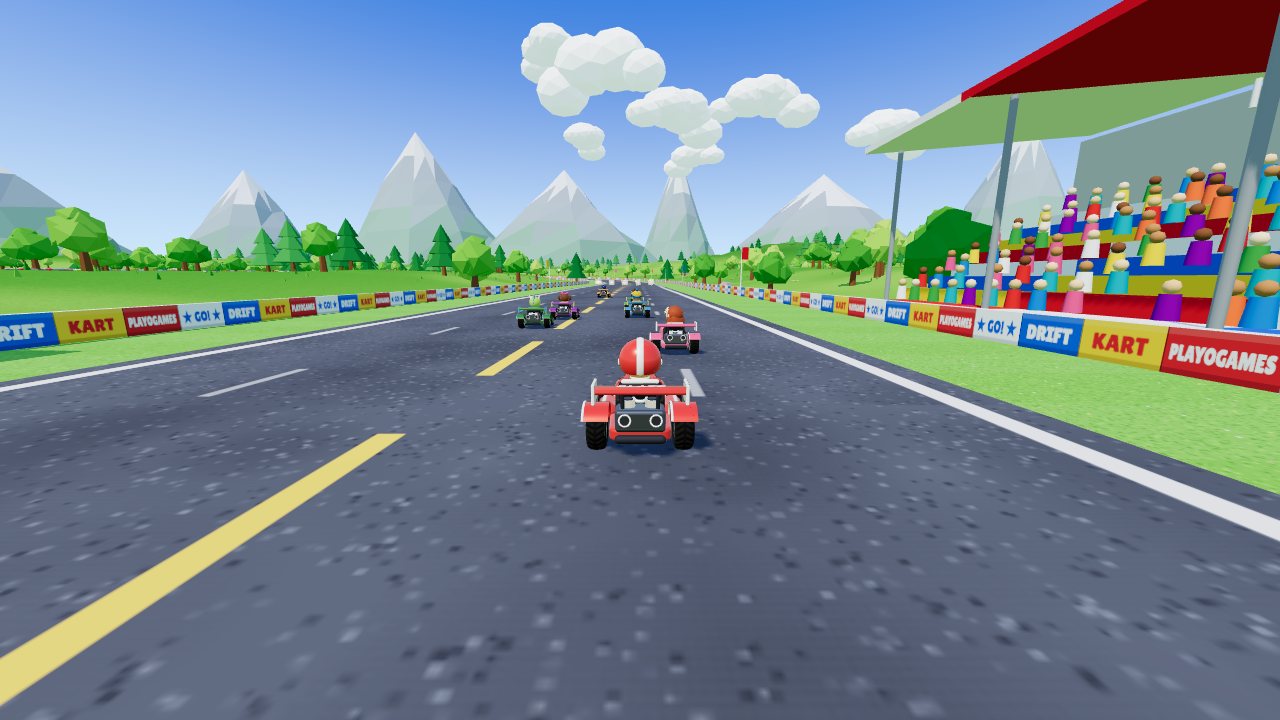
Three tracks, a Grand Prix and your own kart. Drift for mini-turbos, grab items.
How to play Drift Kart -
 Cake Drop
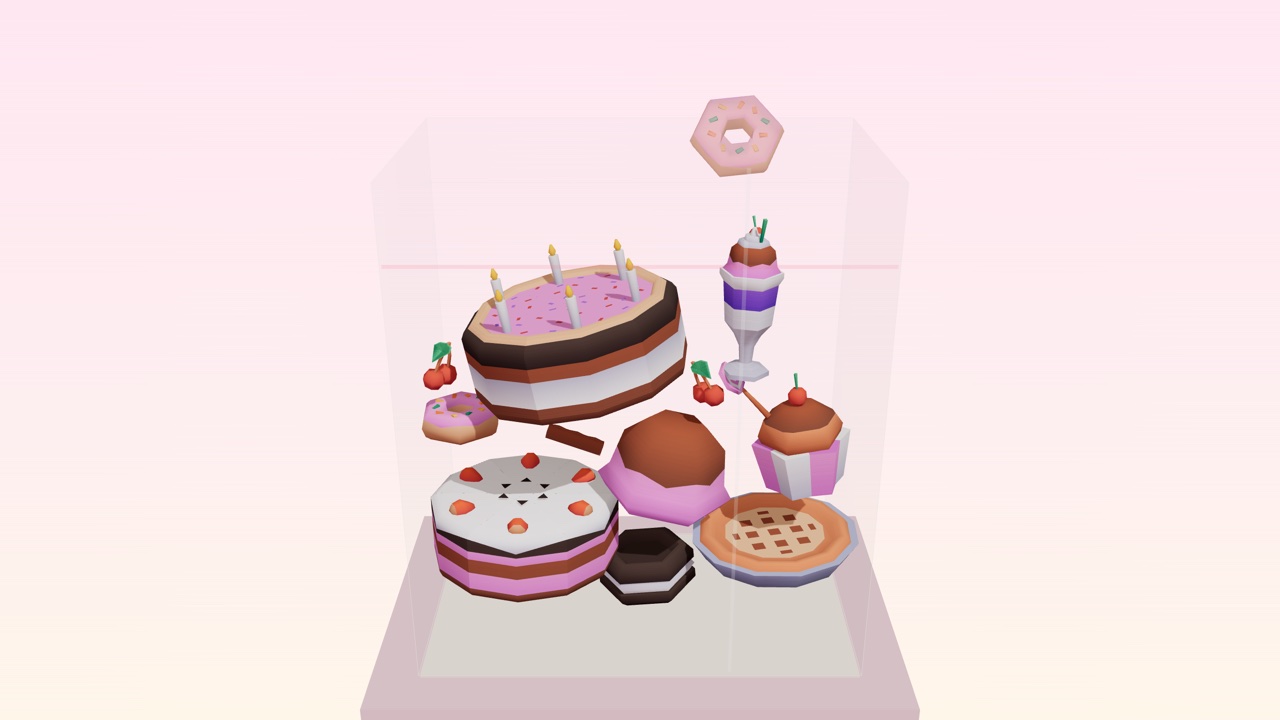
Drop desserts into a glass case. Two of a kind merge. Build the Master Pastry before it overflows.
How to play Cake Drop -
 Hit Your Dot
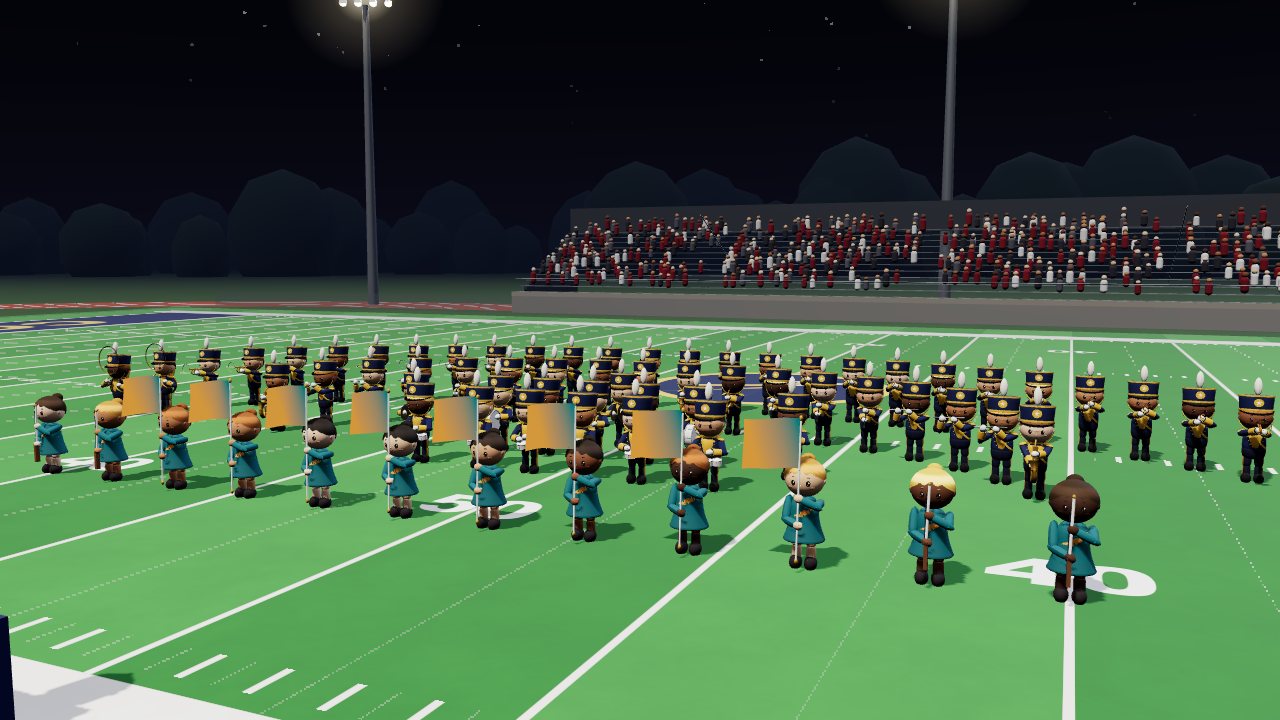
One marching band season: band camp, Friday nights, contests. March your drill and hit your dot.
How to play Hit Your Dot