Game guide
How to play A Day in Mexico City
A Day in Mexico City is a free 3D story game about your first day in Mexico City, from the passport desk at 7:05 in the morning to bedtime at María's house, where you talk your way through the day in beginner Spanish with the meanings in English. Your goal is to get through the day's 15 replies, collect a passport stamp in each of its six places and meet all 23 phrases of Unit 1 of the Understood In Spanish course: hello and goodbye, please and thank you, sorry, and how are you.
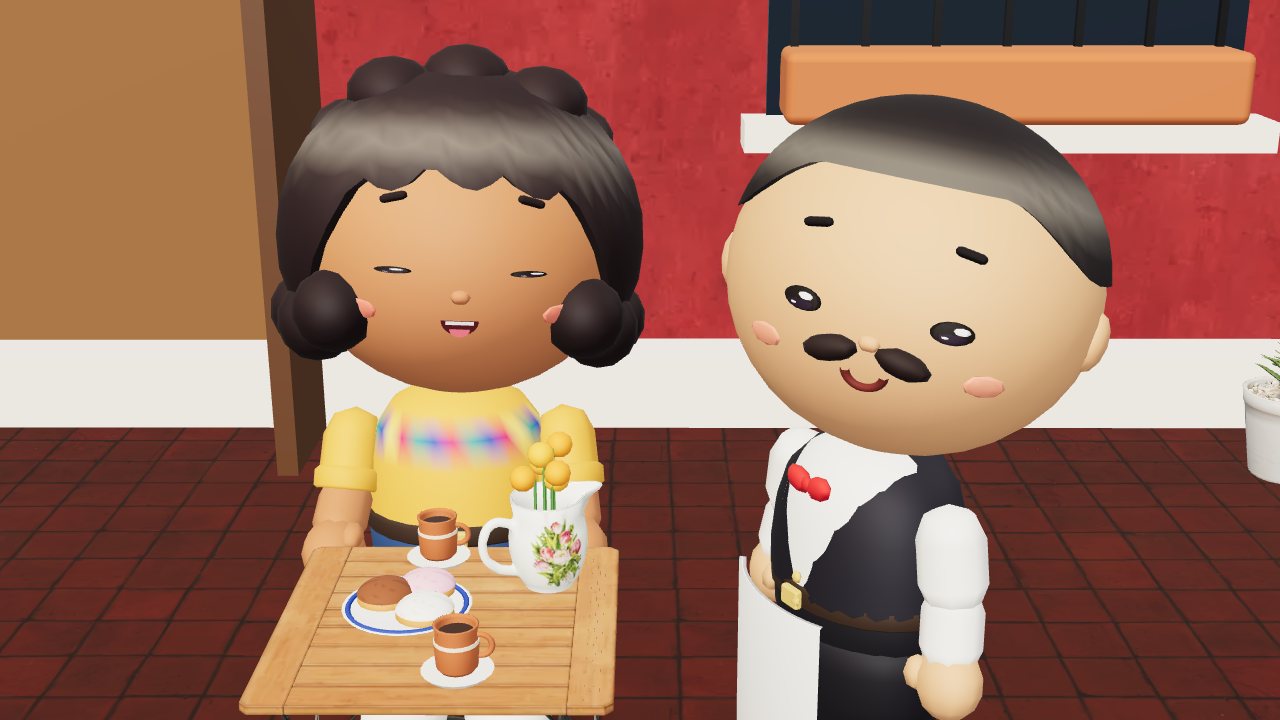 Play A Day in Mexico City
- Genre
- Story game with choices, in 3D, that teaches beginner Spanish from Unit 1 of the Understood In Spanish course
- Players
- 1 player
- Length
- One episode of 70 short beats across six places, 15 of them replies and two of them things to do. It takes roughly 6 to 8 minutes, longer if you open every Why? note and the phrasebook. There's no clock, and you can stop at any line and carry on later.
- Plays on
- Phones, tablets and computers, in an up-to-date web browser with WebGL, with no download. Tap, click or use the keyboard, on upright or sideways screens; no gamepad.
- Progress
- Saved in this browser on this device after every step: the sound setting, your place in the episode (the line you're on, the phrases you've met and said, your stamps, second tries and hearts, and any replies crossed out on the question you're on), and how many episodes you've started and finished. Finishing the episode clears your place, so Play again starts at the airport. A private window may not keep anything.
- Price
- Free. No download and no account.
- Version
- 1.0.1, updated October 15, 2026
How to play
- On the title screen, press Play, then Start on the episode's card (Episode 1, Your first day). If you left a story part-way, the title offers Continue, which takes you straight back to the line you were on, and Start again, which begins a fresh run from the airport once you press Start.
- The day moves through six places: the passport desk at the airport, Arrivals, where your host María waits with a drawing of your face, her green vocho stuck in traffic on the Periférico, Café La Concha in Coyoacán with Juan the waiter, the plaza, where Don Carlos the balloon seller backs into you and María's friend Ana rides up on her bike, and dinner with Doña Lupe in María's kitchen. The time and the place show in the top left corner.
- Each line appears in the box at the bottom of the screen: who's speaking, their Spanish, and its meaning in English underneath. A few lines show a picture instead, like ☕ for ¿Café?. Tap or click the scene, the box or Continue, or press Enter, to carry on. If the line is still typing out, the first press shows all of it.
- Fifteen times it's your turn, in a box headed Your reply that repeats the line you're answering. Some replies ask you to pick the right Spanish phrase, some to pick what someone's Spanish means, some to tap Spanish words in order to build a sentence, and some to fill in a missing word. Tap or click your answer, or on a computer press the number shown on it.
- A right reply shows your line in Spanish with its meaning, the person you answered hops with hearts over their head, and any new phrases go into your phrasebook. A wrong reply costs nothing: the person reacts, your choice is crossed out, and a note headed Not quite gives a hint, often with what your choice actually meant, and a Why? button for the full grammar note. Then you try again.
- Twice the story needs a hand rather than words: a button to shoo a pigeon away from María's concha at the café, and one to catch one of Don Carlos's balloons as they float away. Press it, or tap or click the scene.
- At the end of each place a stamp lands in your passport. The day ends in your room, with Doña Lupe calling buenas noches from downstairs and Chile the dog snoring on your feet. The end screen shows your passport, the phrases you met out of 23, your stamps, your second tries and the hearts each person gave you, with buttons for the Phrasebook, Play again and the Title.
Controls
Keyboard
| Control | What it does |
|---|---|
| Enter or Space | Carry on to the next line (the first press shows a line that's still typing out). In a word bank, check the words you've placed. When a button has focus, it presses that button instead |
| 1 to 9 | Pick the reply with that number, or place the word with that number (the numbers show on the buttons) |
| Backspace | Take back the last word you placed in a word bank |
| Type in the box, then Enter | Fill in a missing word. The box has the focus when the question opens; accents and capitals are optional, and a number key picks the word with that number. While you type, letters go into the box, so B, M and P don't work as shortcuts there |
| B | Open or close the phrasebook |
| P or Escape | Pause or resume. With the phrasebook open, close it |
| M | Sound on or off |
| Tab, then Enter or Space | Move to any button and press it: replies, words, Why?, the corner buttons and every menu |
Mouse
| Control | What it does |
|---|---|
| Click the scene, the dialogue box or Continue | Carry on to the next line; a click while a line is typing out shows all of it |
| Click a reply | Answer with it. A reply that's crossed out can't be picked again |
| Click words in order | Build a sentence in a word bank. It checks itself once you've placed as many words as the answer has; Check checks it sooner, and Undo or a click on a placed word takes one back |
| Click a word under the sentence, or type it in the box | Fill in the blank (press Enter after typing) |
| Click Why? | Show the full grammar note behind a hint |
| Click the button or the scene, when there's something to do | Shoo the pigeon, or catch a balloon |
| Click the book, pause or sound button (top right) | Open the phrasebook (its number is how many phrases you've met), pause the story, or turn the sound on or off. In the phrasebook, Phrases and Passport switch pages, and × or a click outside it closes it |
Touch (phones and tablets)
| Control | What it does |
|---|---|
| Tap the scene, the dialogue box or Continue | Carry on to the next line; a tap while a line is typing out shows all of it |
| Tap a reply | Answer with it |
| Tap words in order | Build a sentence in a word bank; tap a placed word or Undo to take one back |
| Tap a word under the sentence | Fill in the blank (on a touch screen you pick the word rather than type it) |
| Tap the button or the scene, when there's something to do | Shoo the pigeon, or catch a balloon |
| Tap the book, pause or sound button (top right) | Open the phrasebook, pause the story, or turn the sound on or off |
Tips
- Check the clock in the top left before you greet anyone, because Spanish greets by the time of day: buenos días in the morning at the airport and Arrivals, buenas tardes in the afternoon at the café, and buenas noches in the evening in Doña Lupe's kitchen. Note the endings too: buenos días, but buenas tardes and buenas noches.
- Spanish has two ways to say you. Ana is María's best friend and greets you with ¿Qué tal?, so you turn the question back with the friendly ¿y tú? Doña Lupe has ruled her kitchen for sixty years and asks ¿Cómo está usted?, so with her it's the formal ¿y usted?
- A wrong reply costs nothing but another try, so read the hint and the Why? note rather than guessing. Stamps and hearts can't be lost: every place gives its stamp, and every right reply, first try or not, wins a heart from the person you answered. The number that changes is second tries on the end screen, so a run with none is the thing to aim for.
- On a computer, a missing word comes with a typing box that already has the focus, so you can type straight away and press Enter. Accents and capitals are optional (tu counts for tú), and your line then shows the word spelled correctly. You can also pick the word: press its number, or click it under the sentence.
- The phrasebook (B, or the book button) lists all 23 phrases of Unit 1 in three groups (Hello & Goodbye, Please & Thank You, and How Are You?). The ones you've met show their meaning, most with a short note, and You said it marks the ones you used in a reply yourself rather than only heard. The Passport tab shows the stamps you've collected so far.
- The story saves after every line and reply. Switching to another tab or app pauses it, Back to the title in the pause menu keeps your place, and Continue on the title picks up at the same line, even after you close the browser. Start the episode again in the pause menu, or Start again on the title, begins a fresh run from the airport.
Screenshots


Recent updates
Version 1.0.1 · October 15, 2026
- On a computer, the number keys pick a word on a fill-in again, even while the typing box is ready for you (a number used to go into the box instead, and Enter then counted it as a try). Letters still type into the box as before.
Version 1.0.0 · October 12, 2026
The first release of A Day in Mexico City, a little 3D story game where you talk your way through your first day in Spanish.
- Episode 1, "¡Hola! First Words": land in Mexico City, get your passport stamped, meet your host María at Arrivals, get stuck in the morning traffic on the Periférico, and see the day through to dinner. Every reply comes from Unit 1 of the Understood In Spanish course: hello and goodbye, please and thank you, sorry, and how are you.
- Every Spanish line comes with its meaning in English (or a picture), and a reply that isn't right just gets a kind correction and another try.
- The phrasebook keeps every phrase you've met, and your passport collects a stamp for each place.
- Everything happens in the scene, full screen, with the conversation over it. Works on phones and computers, with a keyboard, a mouse or touch.
- Made for this release, after our first play-through: steadier surfaces in every place (no more flickering patches), María holds her sign where you can see her face, and every speech bubble stays on screen.
More games
-
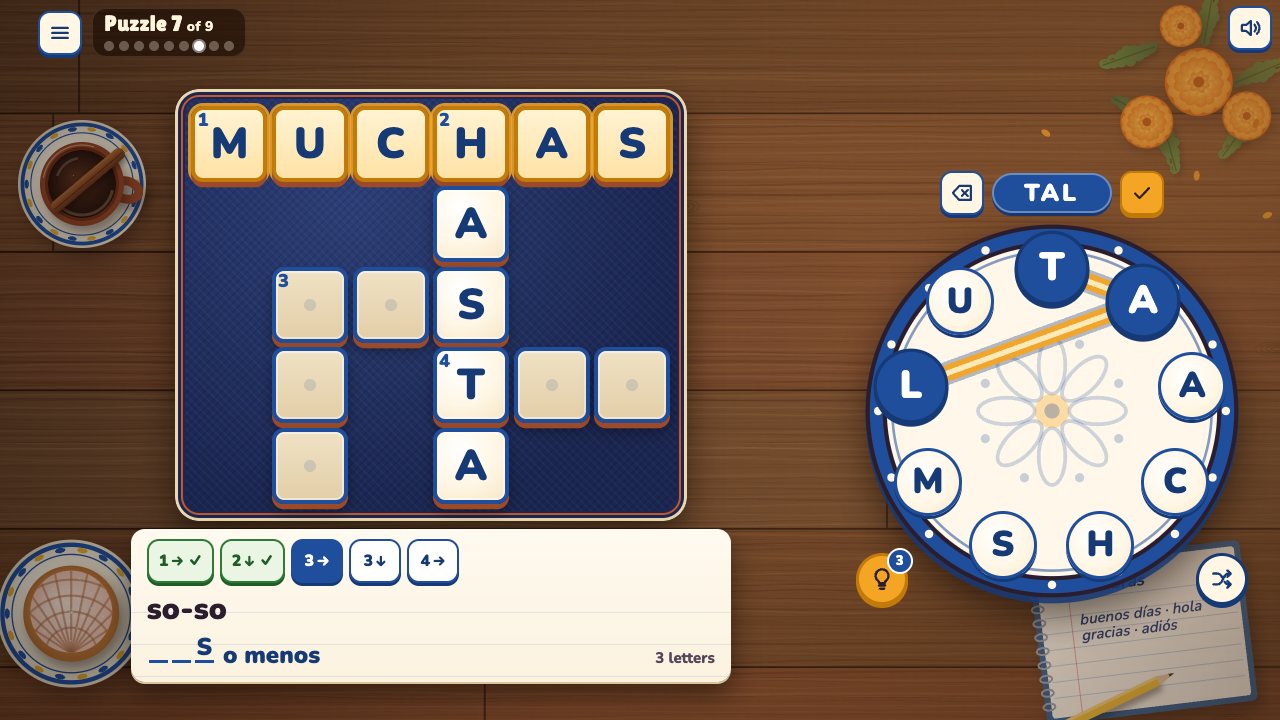 Palabras
A word-wheel crossword in Spanish. Swipe the letters, clued in English.
How to play Palabras -
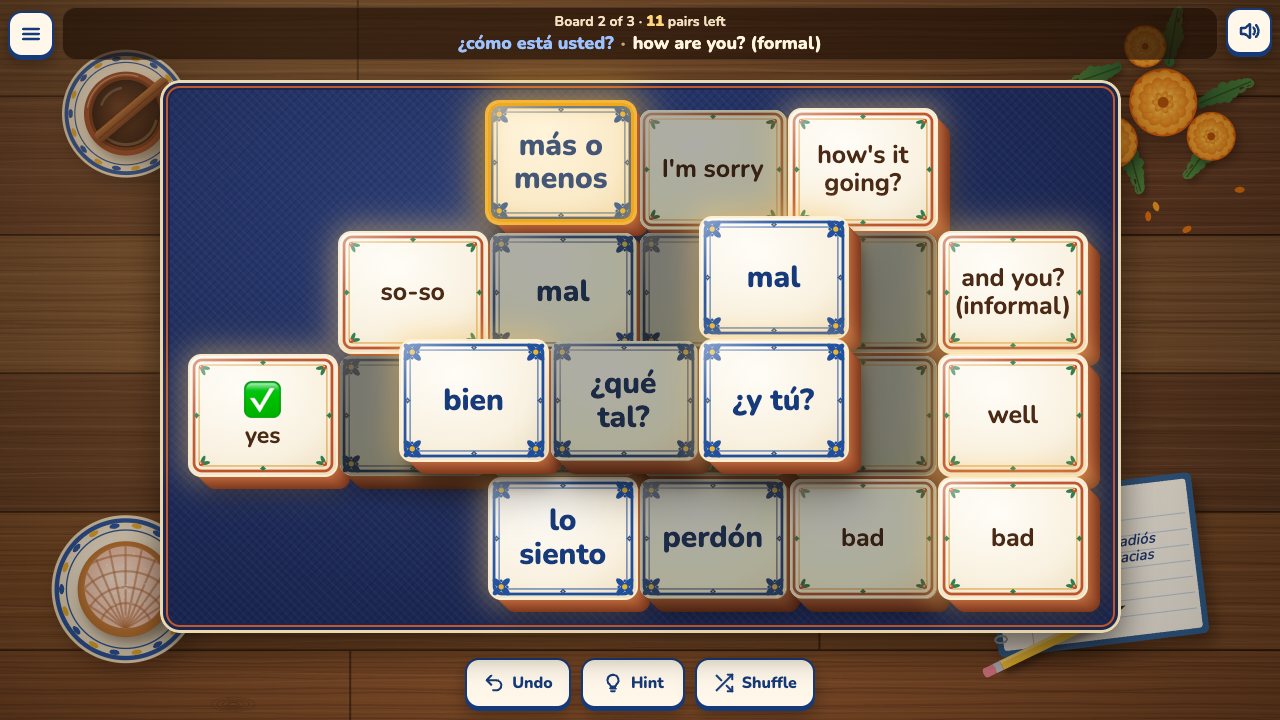 Pares
Pares
Spanish word pairs on Talavera tiles. Match each Spanish word to its meaning to clear the board.
How to play Pares -
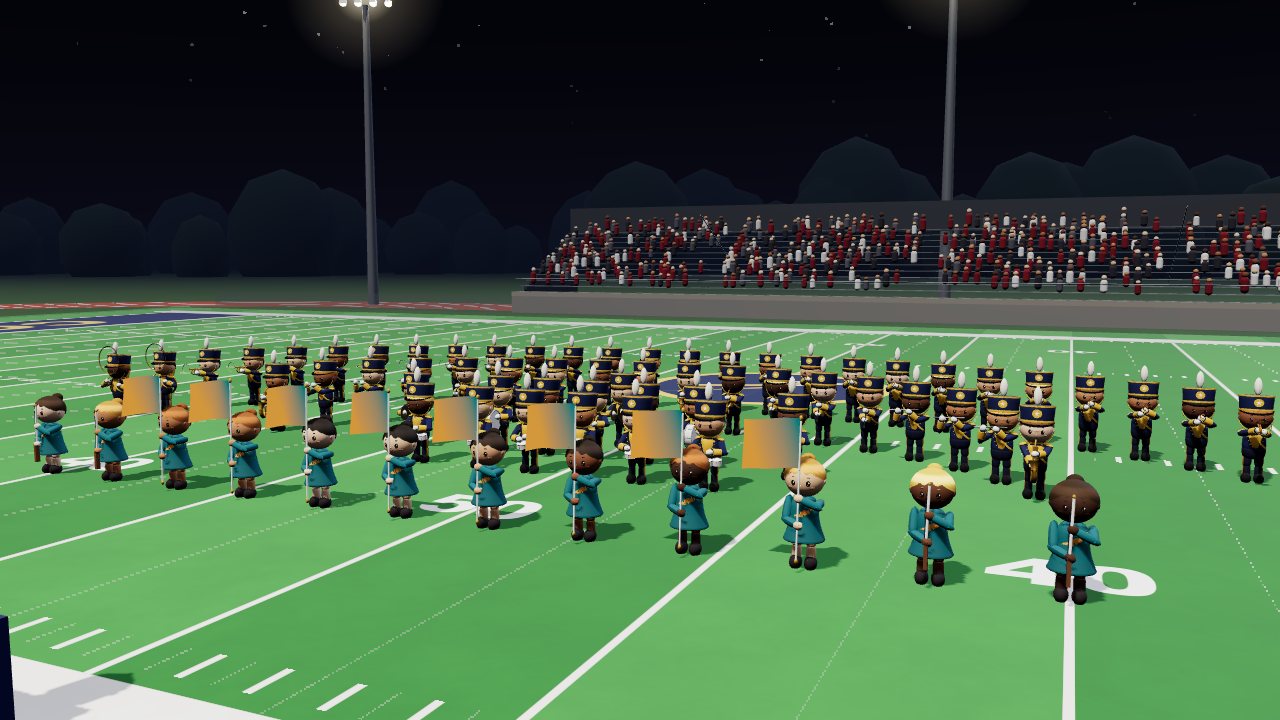 Hit Your Dot
One marching band season: band camp, Friday nights, contests. March your drill and hit your dot.
How to play Hit Your Dot -
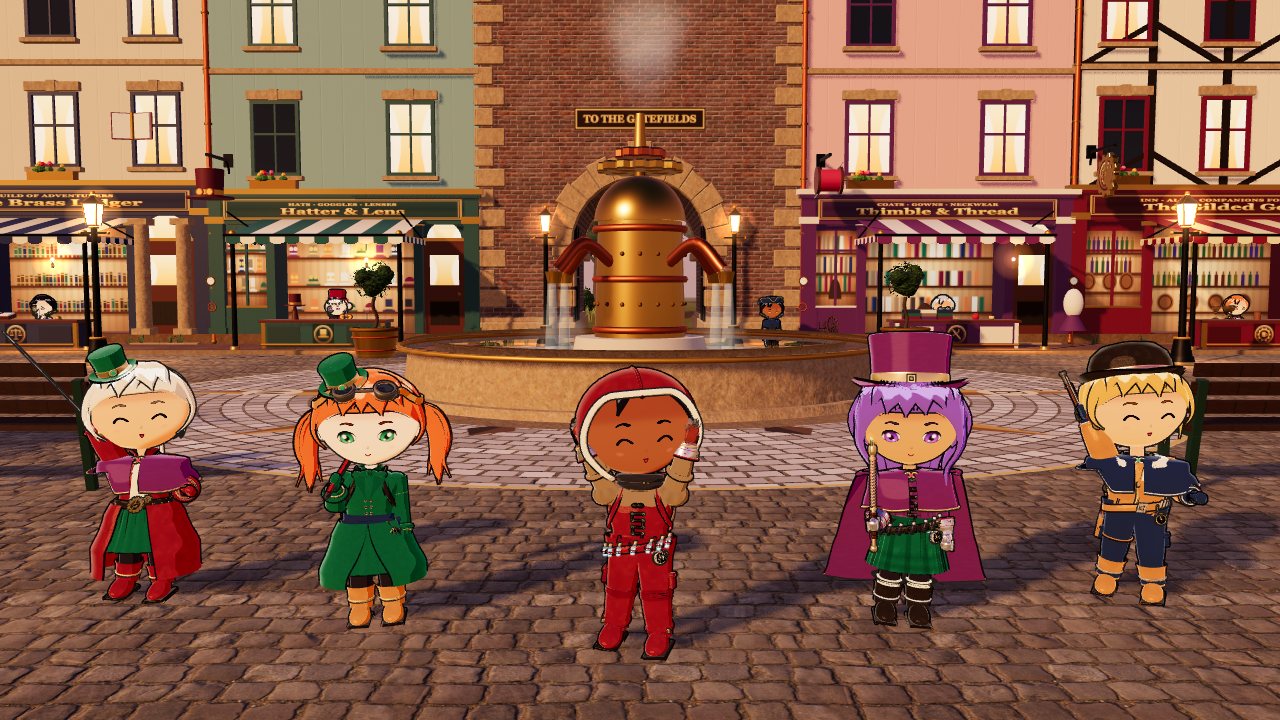 Copperlight
A steampunk RPG where every hat, goggle and clockwork wing teaches a perk. Dress your party, take jobs, fight.
How to play Copperlight