Game guide
How to play Wörter
Wörter is a free word-wheel crossword in German, set on a café table in Berlin with coffee and cake: you swipe across the letters on a wheel to spell each word, and every clue gives the word's meaning in English. Your goal is to fill all nine little crosswords from Unit 1 of our studio's beginner German lessons and learn its 32 German words: greetings from Guten Morgen to Guten Abend, du and Sie, and introducing yourself.
 Play Wörter
- Genre
- Word puzzle: a word-wheel crossword that teaches beginner German, from Unit 1 of our studio's beginner German lessons
- Players
- 1 player
- Length
- Most puzzles take about a minute, longer while the words are new to you. Unit 1 has nine, so a first run through takes roughly 10 to 15 minutes, and you can stop after any puzzle. There's no clock.
- Plays on
- Phones, tablets and computers, in a web browser, with no download. Swipe, tap, click or type, on upright or sideways screens; no gamepad.
- Progress
- Saved in this browser on this device: the sound setting, the puzzle you're on, the words you've found and the letters hints have shown in any puzzle you haven't finished, which puzzles you've finished with the fewest hints each took, and how many puzzles you've started and finished. A finished puzzle starts fresh when you play it again. A private window may not keep anything.
- Price
- Free. No download and no account.
- Version
- 1.0.0, updated November 8, 2026
- Feedback
- Comments on itch.io
How to play
- On the title screen, press Play. When you come back, Continue takes you to the puzzle you were on, and Puzzles lets you play any of the nine, in any order.
- Each puzzle is a small crossword of 3 to 5 German words with a wheel of 7 to 9 letters, and every word in it can be spelled from those letters. Swipe from letter to letter and lift your finger to check the word. You can also tap or click the letters one at a time and press ✓, or type them.
- Ä, Ö, Ü and ß are letters of their own, on the wheel and in the grid: Tschüss is spelled with the Ü tile, and heißen with the ß tile, the way German writes them. The grid shows capitals, and ß stays ß there (HEIßEN), because German has no everyday capital ß.
- The clue card next to the grid shows one word at a time: its meaning in English (with a picture for a few words), how many letters it has, and the German around it with the word as empty boxes, such as guten and six boxes for good morning, or der and four boxes for the name. The numbered chips on the card, like 1↓ and 3→, put another word on the card, and so does tapping that word's squares in the grid.
- You can spell any word of the puzzle at any time, not only the one on the card. A right word flies into the grid and the card moves on to the next open word; once found, the card shows the word as German writes it, a noun with its capital (Name, Morgen) and the formal Sie with its capital too. A wrong word shakes, and a word you've already found pulses.
- When you're stuck, the light bulb gives a hint: it shows the next hidden letter of the word on the card, in red. You hold three, and a used one comes back after 30 seconds of play. The Shuffle button moves the letters to new places round the wheel. There's no clock and no score.
- Find every word to finish the puzzle. A short cheer in German appears (Sehr gut!, Prima!, Toll! and others) with a line saying how many hints it took, and after Puzzles 1, 4, 6 and 8 a grammar tip explains words you just played, shown in full. Next puzzle goes on, and the light on the café table moves from morning to night across the nine.
- Finish Puzzle 9 with all nine done to reach the end card: Herzlichen Glückwunsch!, the 32 German words of Unit 1, and your hint total, counting the fewest hints each puzzle took. Play Unit 1 again starts over from Puzzle 1.
Controls
Keyboard
| Control | What it does |
|---|---|
| Letter keys | Pick that letter on the wheel. Ä, Ö, Ü and ß keys pick those tiles. Without them, type the plain-letter spelling: ue for ü (tschuess spells TSCHÜSS), ae for ä, oe for ö and ss for ß (heissen spells HEIßEN) |
| Enter | Check the word you've typed or clicked, or press the button that has focus (Play, Next puzzle and so on) |
| Backspace | Take back the last letter |
| Escape | Clear the word; with no word, open the pause menu. Escape again resumes |
| Space | Shuffle the letters, when no button has focus |
| ? or / | Use a hint |
| Tab, then Enter or Space | Move to any button and press it: the clue chips, Hint, Shuffle and the menus. On a letter of the wheel, Space picks that letter and Enter checks the word |
Mouse
| Control | What it does |
|---|---|
| Click a letter, then the next | Spell a word one letter at a time; click the last letter again to take it back |
| Click ✓ beside the word | Check the word you've clicked (the button on the word's other side takes back a letter) |
| Hold the button down and drag across the letters | Swipe a word; let go to check it |
| Click a chip or a word's squares | Put that word's clue on the card |
| Click the light bulb or Shuffle | Use a hint, or move the letters round the wheel |
| Click ≡ (top left) or the sound button (top right) | Open the pause menu (Resume, Start this puzzle again, Puzzles, Back to the title), or turn the sound on or off |
Touch (phones and tablets)
| Control | What it does |
|---|---|
| Swipe across the letters | Spell a word; lift your finger to check it. Slide back onto the letter before to take the last one off |
| Tap letters one at a time, then ✓ | Spell a word letter by letter; tap the last letter again to take it back |
| Tap a chip or a word's squares | Put that word's clue on the card; tap a square where two open words cross again for the other word |
| Tap the light bulb or Shuffle | Use a hint, or move the letters round the wheel |
| Tap ≡ or the sound button | Open the pause menu, or turn the sound on or off |
Tips
- When you can't recall a word, find the words that cross it first. Each one puts its shared letter into the other word's boxes on the card, and once every letter of a word is showing, from crossings and hints together, it fills itself in.
- To aim a hint, put the word you're stuck on on the card first, with its chip. Each hint shows that word's next hidden letter in red. A used hint comes back after 30 seconds of play, one at a time: the ring round the bulb fills as it does, and it waits while you're paused or between puzzles. Hints carry over from one puzzle to the next.
- When you swipe or tap, an umlaut is its own tile: Tschüss needs the Ü, and U then E won't do. A crossing only matches the very same letter, so the Ü of Tschüss never crosses a plain U. On a keyboard you can type either way, Tschüss or tschuess.
- Most Unit 1 words come out of a phrase, so read the whole card: good evening with guten and five boxes is Abend. Morgen turns up twice in Unit 1 as two different words: Morgen with a capital in guten Morgen (good morning), and morgen in small letters in bis morgen (see you tomorrow). They're never in the same puzzle, and the card shows each one's capital once you find it.
- Read the grammar tips, because they're about the words you just played. The first says which greetings are safe with everyone and which are relaxed, the one after Puzzle 4 shows du and Sie changing whole phrases, from Wie geht es dir? to Wie geht es Ihnen?, and the one after Puzzle 6 shows the verb's ending changing: ich heiße, du heißt, Sie heißen.
- Your progress saves as you play, in this browser. Back to the title in the pause menu keeps the words you've found and the letters hints have shown, and Continue picks up where you were. Start this puzzle again in the pause menu clears that puzzle, and a puzzle you've finished starts fresh when you play it again from Puzzles.
Screenshots


Recent updates
Version 1.0.0 · November 8, 2026
The first release of Wörter, a word-wheel crossword that teaches your first German.
- Nine puzzles, 32 German words in all, from Unit 1 of our studio's beginner German lessons: greetings from Guten Morgen to Guten Abend, du and Sie, and introducing yourself.
- Swipe the letters on the wheel to spell each word, or tap them one at a time, or type them.
- Ä, Ö, Ü and ß are letters of their own on the wheel and in the grid, so you spell every word the way German writes it. No umlaut keys on your keyboard? Type ue for ü and ss for ß: "tschuess" spells Tschüss.
- One clue at a time, on a big card: each word's meaning in English, with the German around it. Nouns keep their capital letter and their article (der Name), and the formal Sie keeps its capital too.
- Hints show a letter when you're stuck (three in hand; a used one comes back after 30 seconds of play), and Shuffle mixes the wheel. There's no clock.
- A short grammar tip after puzzles 1, 4, 6 and 8, about the words you just played.
- The puzzles are set on a café table in Berlin, with coffee and cake, and the light follows the day from morning to night.
- No background music, just sound effects as you play. The sound button turns them off.
- Works on phones and computers.
More games
-
 Paare
German word pairs on blue-and-white porcelain tiles at a Berlin café. Match each German word to its meaning to clear the board.
How to play Paare -
 A Day in Berlin
Your first day in Berlin, and your first German. Every reply is real German from a beginner course.
How to play A Day in Berlin -
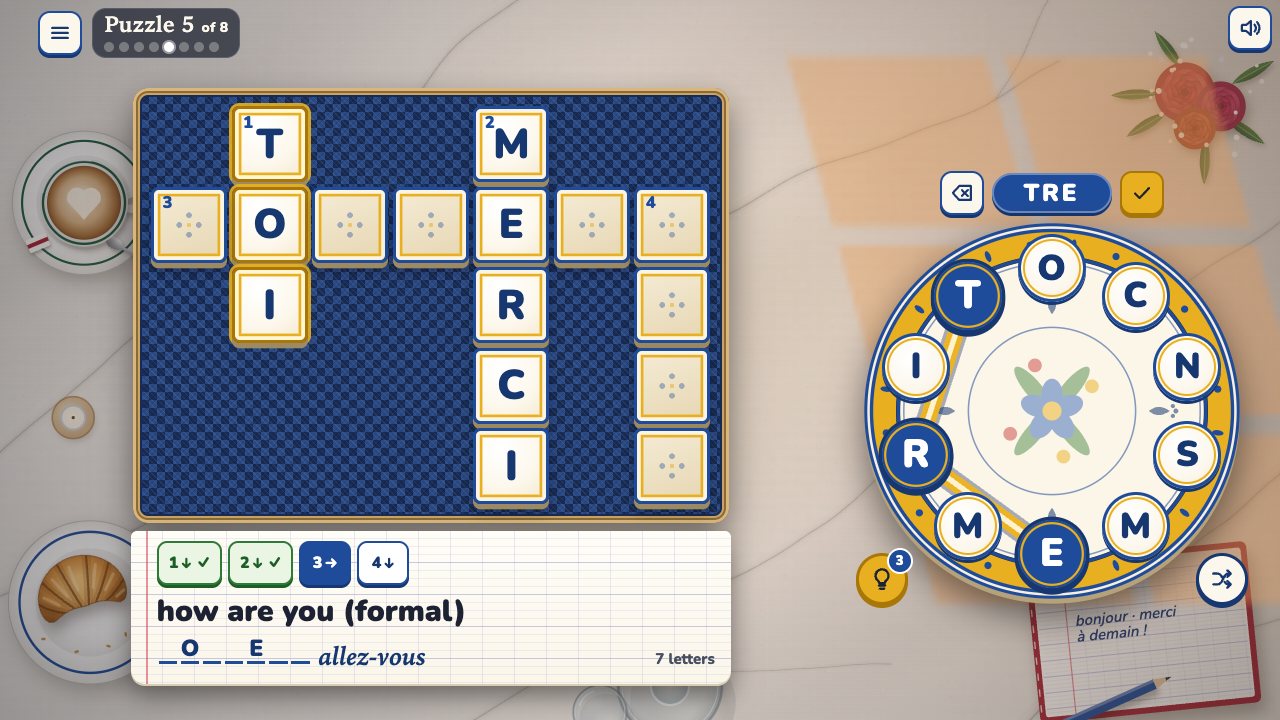 Mots
A word-wheel crossword in French. Swipe the letters, clued in English.
How to play Mots -
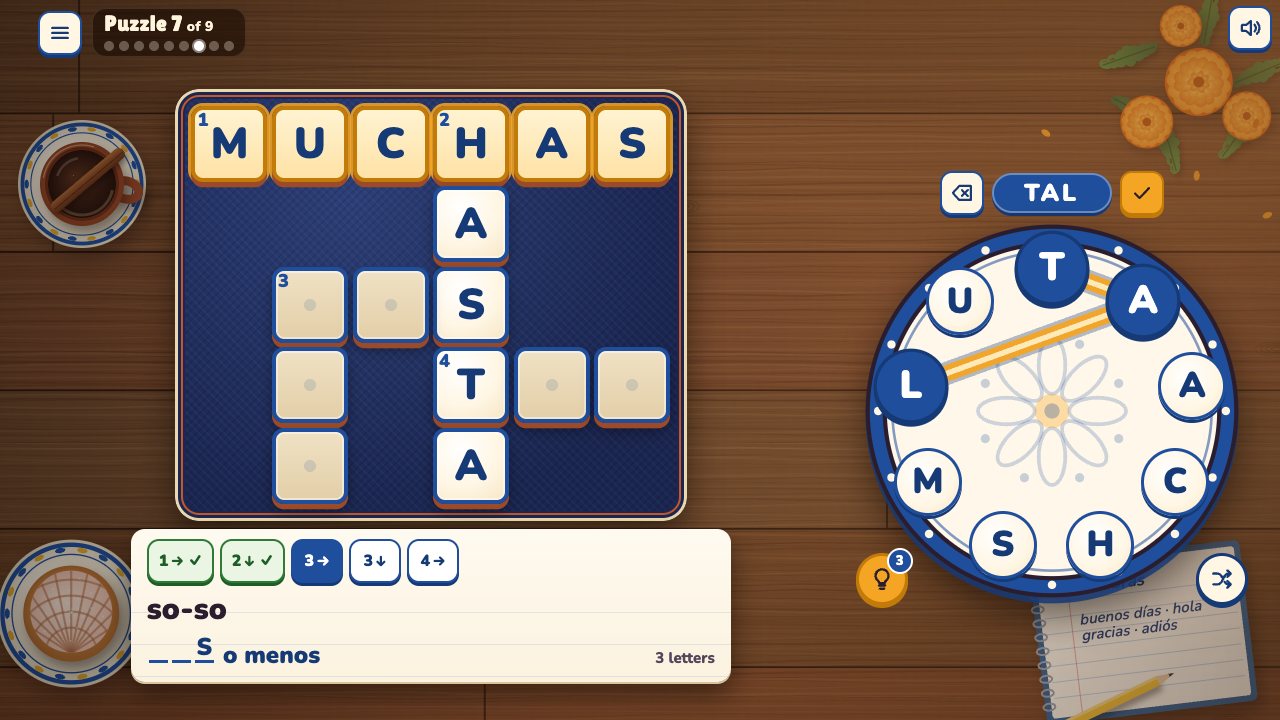 Palabras
A word-wheel crossword in Spanish. Swipe the letters, clued in English.
How to play Palabras -
 Tiánzì
A word-wheel crossword in Chinese. Swipe the characters, pinyin on every one.
How to play Tiánzì